
Last updated: March 19, 2026
You can automate roughly 90% of your manual data entry by connecting AI-driven expense tools directly to QuickBooks Online or Xero, but human oversight remains essential to catch duplicate transactions and nuanced tax errors. This post is for small business owners who want to leverage AI for bookkeeping to save time without sacrificing the accuracy required for a clean tax season.
Why is AI-driven expense management so popular in 2026?
Managing a business used to mean a glovebox full of faded thermal paper and a Sunday afternoon spent squinting at spreadsheets. Fast forward to 2026, and the landscape has completely shifted. Specifically, optical character recognition (OCR) technology has evolved from a "maybe it works" tool to a high-precision engine that extracts dates, vendors, and even line-item details with incredible speed.
Most modern platforms now allow you to snap a photo or forward an email receipt, which the AI then parses in seconds. Because these tools integrate directly with your accounting software, the data flows seamlessly into your general ledger. Consequently, the "data entry clerk" role is effectively dead. Small businesses are now using these tools to maintain real-time visibility into their cash flow rather than waiting for a monthly report that arrives three weeks too late.
Furthermore, AI can now handle bulk operations that used to take hours. For instance, you can tell your system to "categorize all Amazon purchases from yesterday as office supplies," and it happens instantly. This level of small business bookkeeping efficiency was a pipe dream just a few years ago.
Can AI tools really replace a human bookkeeper for small businesses?
While the technology is breathtakingly fast, it lacks something very human: context. AI is excellent at following rules, but it struggles when those rules encounter real-world ambiguity. For example, if you grab a coffee with a client, the AI sees a charge at Starbucks. It might categorize that as "Meals & Entertainment" automatically. However, if you bought a gift card for a team member at that same Starbucks, it should actually be "Employee Benefits" or "Gifts."
Essentially, the AI is a "doer," but it isn't a "thinker." It doesn't know that your trip to Home Depot was for a specific repair that needs to be capitalized rather than expensed. Without a human in the loop, your books slowly fill up with "mostly correct" data that creates a massive headache during a cleanup project.
In fact, many business owners who rely solely on AI find themselves facing a "garbage in, garbage out" scenario. They save time on the front end, only to spend triple that time (and money) hiring an outsourced bookkeeping team to fix the mess before filing taxes. Real-time bookkeeping is only valuable if the data is accurate.

How do you connect AI expense tools directly to QuickBooks or Xero?
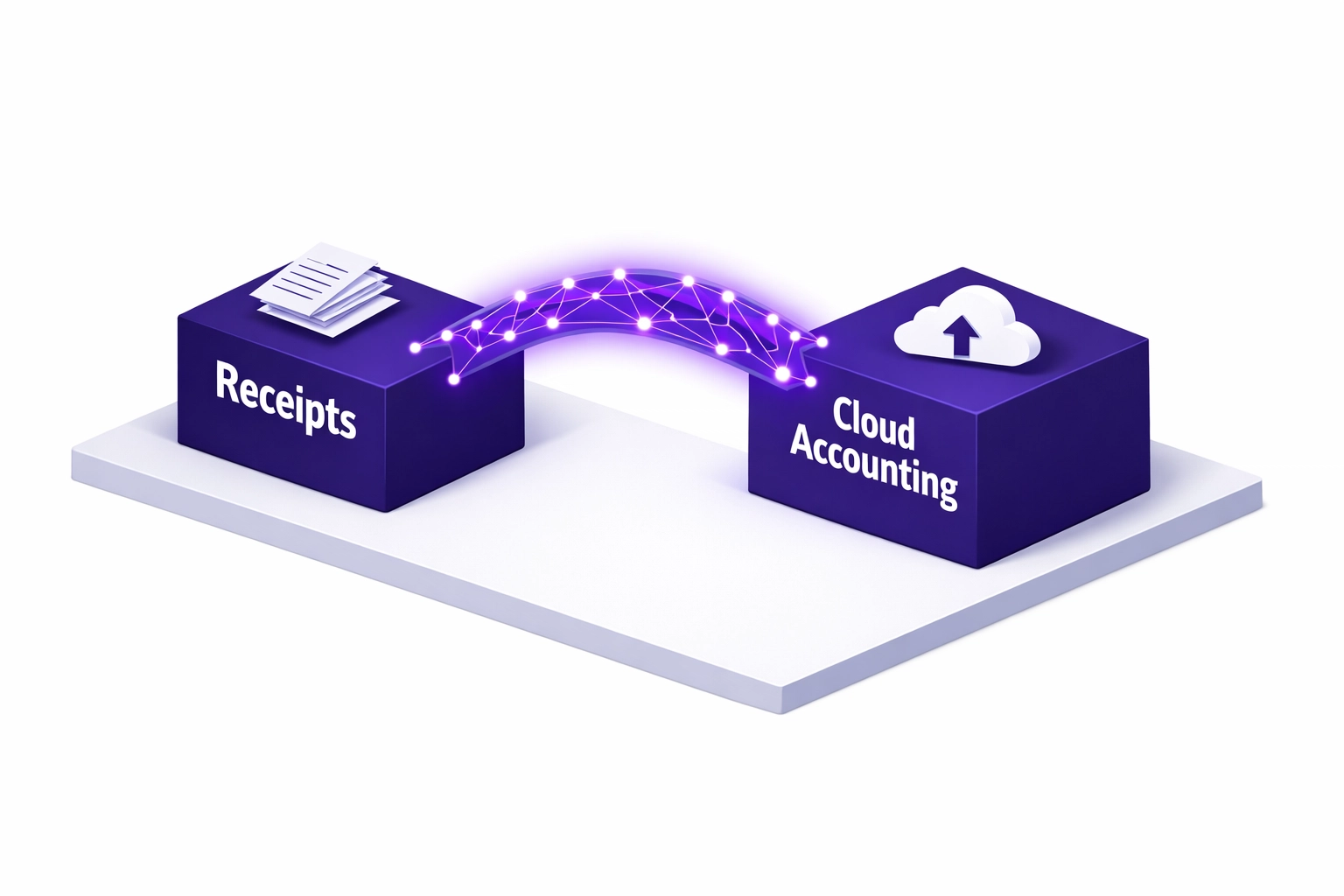
The "magic" happens when you create a direct bridge between your expense app and your accounting software. Whether you use QuickBooks Online (QBO) or Xero, the setup process is generally straightforward but requires a strategic touch. First, you choose a dedicated expense tool, think Fyle, Dext, or Ramp, and authorize the connection within your accounting settings.
Once the connection is live, you must map your Chart of Accounts. This is a critical step where many DIYers stumble. You need to ensure that the categories in your expense app perfectly mirror the categories in your QBO or Xero account. If they don't match, the AI will try to "guess" where things go, leading to a fragmented ledger.
Specifically, look for tools that offer "two-way sync." This means if you change a category in Xero, it updates in your expense app automatically. This prevents data silos and ensures that your AI for bookkeeping efforts stay synchronized across all platforms. If you aren't sure how to map these accounts, checking out our add-ons and apps page can give you a head start on the best tech stack for your specific industry.
What are the most common pitfalls of automated expense management?
The biggest trap is the "Auto-Publish" feature. It sounds like a dream: the AI reads the receipt and pushes it straight to your books without you touching a button. In reality, this is how duplicates are born. If your bank feed pulls in a transaction and your AI tool pushes the same receipt as a "bill," you might end up recording the expense twice.
Another common mistake involves sales tax. AI is getting better at reading VAT and sales tax, but it often misses the distinction between a tax-exempt purchase and a standard one. If the AI doesn't break out the tax correctly, your tax liability reports will be skewed. Consequently, you might overpay or underpay your taxes, both of which lead to unwanted conversations with the authorities.
Moreover, personal expenses often sneak into the business feed. If you accidentally use the wrong card at a grocery store, a "smart" AI might see the vendor and automatically categorize it as "Office Snacks." A human bookkeeper knows your typical patterns and will flag that $150 grocery bill as a potential personal draw rather than a business deduction.
Why should you choose outsourced bookkeeping over a 100% AI approach?
Choosing outsourced bookkeeping means you get the best of both worlds: the lightning speed of AI and the discerning eye of a professional. At Books LA, we treat AI as our most powerful assistant, not our replacement. We use these tools to handle the heavy lifting of data entry, which frees us up to focus on high-level advisory and error detection.
Think of it like a self-driving car. The car can handle the highway miles, but you still want a pilot in the seat for the tricky intersections and unexpected roadwork. We provide that "pilot" service, ensuring that your financial statements are actually useful for making business decisions. When you look at your Profit & Loss statement, you need to know those numbers are real, not just "AI-guessed."
Additionally, a human partner provides accountability. We can look at your expense trends and notice that your software subscriptions have ballooned by 20% over the last quarter. An AI won't tap you on the shoulder and ask if you’re actually using all those seats. We will. Our services are designed to give you that peace of mind.
How do you build a foolproof expense workflow?
A great workflow starts with the right habits. First, commit to capturing receipts the moment they happen. Use the mobile app of your chosen AI tool to scan receipts before they even leave your hand. This prevents the "shoebox effect" and ensures the AI has a crisp image to read.
Second, set a weekly "Review Ritual." Even with the best AI, you should spend 10 minutes a week looking at the "Pending" folder in your expense app. Verify that the AI caught the right vendor and account. If you see something weird, fix it then, rather than six months later.
Finally, connect your workflow to a professional. Whether you are using our packages for monthly maintenance or just need a one-time setup, having an expert eye on your integrations prevents technical glitches from turning into financial disasters.
Author Box: Jelena Arkula
I’m Jelena Arkula, the owner of Books LA, based right here in Los Angeles. I’m a QuickBooks Online ProAdvisor and Xero certified expert who believes that while technology is great, it’s nothing without a solid strategy. We help small businesses move away from manual chaos and into streamlined, AI-assisted clarity. We don't just "do books"; we partner with you to make sure your finances are a tool for growth, not a source of stress.
Disclaimer: Books LA provides bookkeeping and business consulting services. We do not provide income tax advice, legal advice, or formal tax filings. We work closely with our clients' CPAs to ensure financial data is tax-ready. Please consult with a qualified CPA or tax professional for specific income tax matters.

FAQ: AI and Small Business Bookkeeping
Does AI bookkeeping replace the need for an accountant?
No. AI replaces data entry, but it does not replace the strategic oversight, tax planning, or complex problem-solving that an accountant or professional bookkeeper provides.
What is the biggest risk of using AI for expenses?
Duplicate entries and incorrect categorization are the primary risks. If AI "auto-posts" a receipt that is also coming through your bank feed, your expenses will be artificially inflated.
How much does AI-driven bookkeeping cost?
Software typically ranges from $15 to $50 per month. However, the real cost is the time you spend reviewing the AI's work. Outsourcing the whole process often saves money by preventing expensive year-end cleanups.
Will AI make mistakes with my sales tax?
Frequently, yes. AI can misread tax totals or fail to separate non-taxable items. A human review is necessary to ensure your sales tax reporting is accurate for your specific jurisdiction.
Can I connect my AI tool to both QBO and Xero?
Most tools support both, but you should only connect to one at a time to avoid massive data synchronization errors and "looping" transactions.
How long does it take to set up an AI expense workflow?
A basic connection takes minutes, but properly mapping your accounts and setting up custom rules usually takes 2 to 4 hours of focused work to ensure it runs smoothly.
What if I lose my physical receipts?
As long as you’ve scanned them into an AI tool that syncs with your books, the digital image is generally accepted by the IRS. Always check with your CPA for specific record-keeping requirements.
Ready to stop fighting with your receipts? Book a call with us today and let’s get your AI working for you, not against you.
