
Last updated: February 23, 2026
Small businesses can complete a full bookkeeping cleanup in 30 days by organizing records, correcting errors, reconciling accounts, and establishing ongoing systems. This guide walks you through the exact four-week process that brings messy books back to life.
You're dealing with piles of receipts, bank statements you haven't checked in months, and that nagging feeling that something's off. Consequently, you avoid looking at your financials because the mess feels too big to fix.
Here's the good news: bookkeeping cleanup follows a clear roadmap. Moreover, the process is more manageable than you think when broken into weekly chunks.
What Does a Bookkeeping Cleanup Actually Include?
A proper bookkeeping cleanup isn't just data entry. Instead, it's a systematic review that corrects past mistakes and prevents future ones.
The cleanup process covers five core areas:
- Gathering and organizing all financial documents in one place
- Identifying and fixing errors like duplicate entries or wrong categorization
- Reconciling every bank and credit card account to match your records
- Cleaning up your chart of accounts to ensure proper transaction flow
- Building sustainable processes so you never fall behind again
Furthermore, this work ensures your financial reports are accurate for tax season and business decisions. At Books LA, we've helped dozens of Los Angeles businesses tackle backlogs ranging from six months to three years.
Why Do Small Business Books Get Messy in the First Place?
Life happens. Business gets busy. Bookkeeping slides.
Most small business bookkeeping problems start with inconsistent recording. For example, you enter transactions when you remember, not on a regular schedule. Additionally, many business owners mix personal and business expenses, creating confusion.
Other common causes include:
- Switching accounting software mid-year without migrating data properly
- Losing receipts or invoices and guessing at amounts later
- Not reconciling bank accounts monthly (or ever)
- Recording sales but forgetting to track expenses
In the construction bookkeeping world, we also see issues with job costing. Specifically, expenses get lumped together instead of tracked by project, making profitability analysis impossible.
Week 1: Gather Everything and Get Organized
Start by creating a single collection point for all financial documents. This includes bank statements, credit card statements, invoices, receipts, and payroll reports.
Your Week 1 checklist:
- Download or collect all bank statements for the cleanup period
- Gather credit card statements from every business card
- Locate invoices (both sent to customers and received from vendors)
- Find receipts, whether paper or digital
- Pull payroll reports if you have employees
Organize these materials by date and type. Additionally, separate paper records from digital ones. If you're missing information, reach out to vendors or clients now rather than waiting until year-end when memories fade.
During this phase, you're not entering anything yet. Instead, you're simply getting everything in front of you so you can see the full picture.
Week 2: Identify and Correct the Errors
Now comes the detective work. Consequently, you'll compare your income reports with actual invoices and bank deposits to spot mismatches.
Common errors to look for:
- Duplicate entries that inflate income or expenses
- Incorrect amounts due to typos or misprints
- Cash sales not yet recorded in your system
- Transactions posted to wrong accounts or categories
- Missing transactions entirely
Remove duplicates immediately. Then, correct wrong figures by comparing them to original source documents like bank statements or invoices.
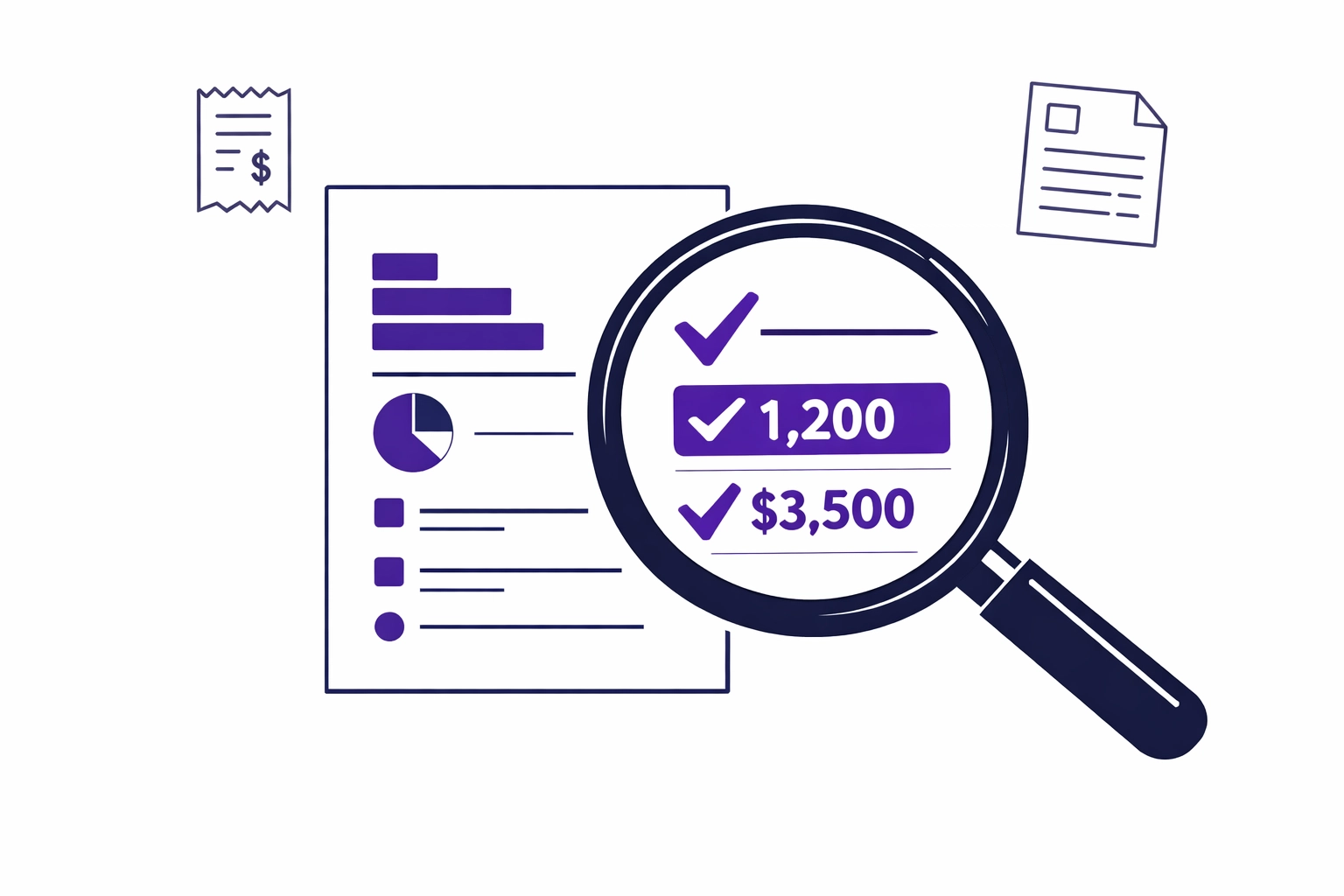
Moreover, this step prevents small errors from snowballing into big problems. At Books LA, we use QuickBooks Online and Xero to cross-reference data systematically, catching issues that manual reviews often miss.
Week 3: Reconcile Everything to Your Bank
Reconciliation is where bookkeeping cleanup gets real. Specifically, you're matching every transaction in your accounting software to your actual bank and credit card activity.
The reconciliation process:
- Start with your primary business checking account
- Match each withdrawal and deposit to a record in your books
- Identify unrecorded transactions and add them
- Mark everything as reconciled once it matches
Next, tackle credit cards the same way. Furthermore, review your accounts payable and accounts receivable. Flag unpaid bills and open invoices that may no longer need collection.
Verify vendor and customer records too. Update names, addresses, and tax IDs. Combine duplicate accounts. Ensure W-9 forms are on file for vendors you'll issue 1099s to.
Working with a CPA: We don't provide income tax advice at Books LA. However, we work closely with CPAs throughout the cleanup process to ensure everything's ready for tax preparation. Always confirm tax-related decisions with your CPA.
Week 4: Clean Your Chart of Accounts and Build Systems
Your chart of accounts is the backbone of accurate bookkeeping. Consequently, cleaning it up ensures future transactions flow to the right categories.
Review each account in your chart. Combine similar accounts that serve the same purpose. Additionally, delete unused accounts that clutter your reports. Make sure account names clearly describe what they're for.
Adjust account balances to match real totals. Then, run preliminary financial reports to verify everything matches your bank statements.
The key to staying clean: sustainable processes
Bookkeeping cleanup only works if you don't fall behind again. Therefore, create a monthly bookkeeping checklist that includes:
- Recording transactions weekly (not monthly)
- Reconciling bank accounts by the 10th of each month
- Reviewing accounts receivable and following up on unpaid invoices
- Storing all receipts digitally using your phone or scanner
Moreover, consider automation. Cloud accounting systems like QuickBooks and Xero offer bank feeds, recurring invoices, and payment reminders that reduce manual work.
Should You DIY Your Bookkeeping Cleanup or Hire Help?
This depends on three factors: your comfort with accounting software, the size of your backlog, and how much time you have.
Consider DIY if:
- Your backlog is less than three months
- You're comfortable with QuickBooks or Xero
- You can dedicate 10-15 hours per week for a month
Consider outsourced bookkeeping if:
- Your backlog exceeds six months
- You're not sure what accounts to use for certain transactions
- You need the cleanup done quickly for a loan application or tax deadline
- You want assurance that IRS rules and GAAP standards are met

Professional bookkeeping services identify issues you might miss. Furthermore, we complete the work faster because we've done hundreds of cleanups. At Books LA, our team knows construction bookkeeping nuances, e-commerce reconciliation quirks, and consultant-specific categorization rules.
Ready to get your books cleaned up? Book a short call with us to discuss your situation and what a cleanup would involve.
What Happens After Your Bookkeeping Cleanup?
Clean books open doors. Specifically, you can finally see accurate profit margins, make informed decisions, and prepare for tax season without panic.
Additionally, you'll have reliable financial reports to show banks, investors, or partners. Your CPA will thank you for organized records that make tax preparation straightforward.
The real benefit, though, is peace of mind. Consequently, you'll stop avoiding your finances and start using them to drive growth.
Common Bookkeeping Cleanup Mistakes to Avoid
Even with good intentions, business owners make predictable mistakes during cleanup.
Don't do this:
- Deleting transactions instead of voiding them (this creates gaps in your audit trail)
- Guessing at transaction dates or amounts
- Skipping reconciliation because "the numbers look close enough"
- Forgetting to update opening balances after making corrections
- Cleaning up once but not establishing ongoing processes
Moreover, avoid mixing cleanup work with current-month bookkeeping. Finish the backlog first, then shift to maintaining real-time records.
If you're unsure about a transaction, flag it and ask for help. Our team at Books LA works alongside your CPA to clarify unclear items and ensure everything meets standards.
Industry-Specific Cleanup Considerations
Different business models require focus on different areas during bookkeeping cleanup.
E-commerce stores need to match platform fees and shipping costs with sales. Additionally, inventory tracking becomes critical if you're holding products.
Construction companies must separate costs by job. Furthermore, work-in-progress (WIP) accounts need adjustment to reflect accurate job profitability. Learn more about construction bookkeeping specifics.
Consultants and service businesses should separate retainers from earned revenue. Moreover, mileage and home office expenses need proper categorization.
Regardless of industry, the four-week framework applies. However, the specific accounts you review and the reports you prioritize will vary.
Frequently Asked Questions About Bookkeeping Cleanup
How much does bookkeeping cleanup cost?
Pricing depends on backlog size and complexity. Typically, cleanup for 3-6 months of records ranges from $800-$2,500. Moreover, businesses with multiple revenue streams or significant transaction volume pay more. Contact Books LA for a specific quote based on your situation.
Will cleanup delete my data or past records?
No. Proper bookkeeping cleanup improves accuracy without deleting important records. Instead, we correct errors, void duplicates, and adjust categorization. Consequently, your complete transaction history remains intact.
How long does professional bookkeeping cleanup actually take?
Most cleanups finish in 2-4 weeks depending on backlog length and data quality. Furthermore, we can prioritize sections if you need specific reports sooner for loans or taxes.
What do you need from me to start a cleanup?
We need access to your accounting software, bank statements, and credit card statements for the cleanup period. Additionally, provide invoices and receipts if they're not already in your system. Most clients gather these items in 1-2 days.
Can you clean up books if I haven't reconciled in over a year?
Yes. Longer backlogs take more time, but the process remains the same. Moreover, we've successfully cleaned up books with backlogs of 2-3 years.
Do I need to be on QuickBooks or Xero for cleanup services?
We work primarily with QuickBooks Online and Xero because they're industry standards. However, if you use different software, we can often still help or recommend migration as part of the cleanup process.
What happens if you find errors my old bookkeeper made?
We document the errors, make corrections, and explain what we changed. Additionally, we notify you if the errors affect past tax returns so you can discuss amendments with your CPA. Remember, we don't provide income tax advice, so tax-related decisions require CPA consultation.
How do I prevent falling behind after cleanup?
Establish a weekly transaction recording habit and monthly reconciliation schedule. Furthermore, consider ongoing bookkeeping services to maintain clean books permanently. Many clients start with cleanup, then transition to monthly bookkeeping support.
