
Last updated: February 11, 2026
Both QuickBooks Online and Xero let you track billable expenses and pass costs to clients, but QBO includes this feature at the entry level while Xero requires a higher-tier plan. For LA startups managing client projects or reimbursable costs, this difference can shape your startup bookkeeping workflow and monthly software spend.
This post is for founders and finance leads who need to bill clients for expenses like software subscriptions, contractor fees, or travel costs. You'll learn how each platform handles billable expenses, what our bookkeeping services include for setup, and which system fits your workflow.
What Are Billable Expenses and Why LA Startups Need Them
Billable expenses are costs you pay upfront and later invoice to a client. Marketing agencies bill ad spend. Consultants bill travel. Software companies bill third-party API fees.
Without a clean billable expense system, you lose money. You forget to invoice. You guess at markups. You mix personal and client costs.
Your startup bookkeeping workflow should automatically flag which expenses belong to which client, apply markups if needed, and create invoices without double entry.
QuickBooks Online: How Billable Expenses Work
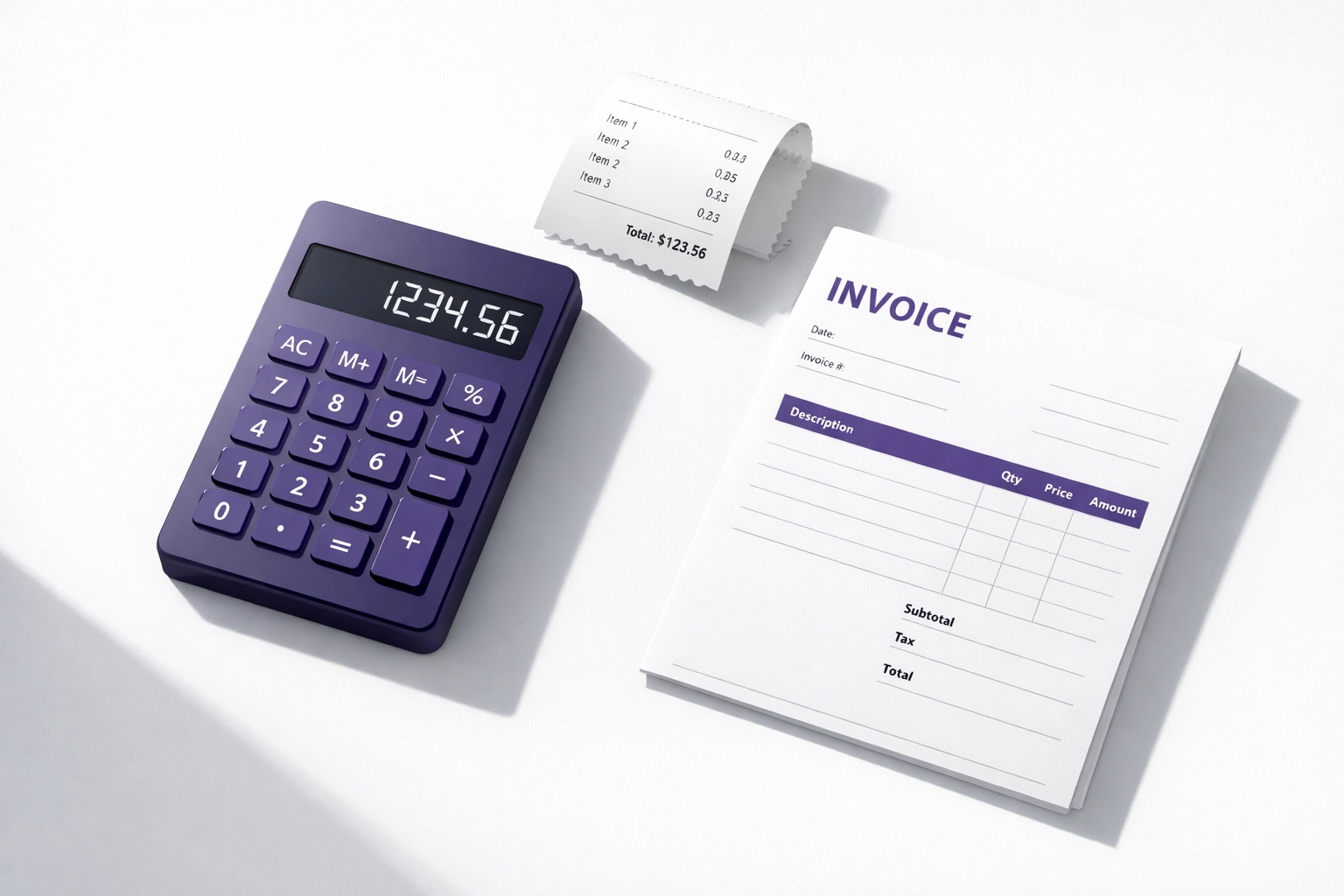
QBO tracks billable expenses starting at the Simple Start plan ($38/month). When you enter a bill or expense, you check a box to mark it billable and assign it to a customer.
The expense sits in a queue. When you create an invoice for that customer, QBO shows you unbilled expenses. You select which ones to add. The invoice auto-populates with the expense amount plus any markup you set.
QBO also lets you attach receipts to expenses using the mobile app. You snap a photo, and it matches to the transaction. This is useful when your team travels or buys client materials on a company card.
Pros for startup bookkeeping:
- Available on all plans
- Mobile receipt capture
- Easy markup setup
- Direct link from expense to invoice
Cons:
- Can't split one expense across multiple clients
- Markup rules are manual per transaction
- No automatic project-level expense grouping
Xero: How Billable Expenses Work
Xero calls them "billable expenses" too, but the feature set varies by plan. Early and Growing plans ($25 and $55/month) do not include expense claims. You need the Established plan ($90/month) for full billable expense tracking through Hubdoc.
Once you're on the right plan, the workflow is similar. Enter a bill, mark it billable, assign it to a contact. When you create an invoice, Xero shows unbilled items for that contact.
Xero's strength is project tracking. You can assign expenses to a project code, then bill the entire project at once. This is cleaner for agencies or consultancies running multiple jobs per client.
Pros for startup bookkeeping:
- Strong project-level tracking
- Clean UI for expense approval
- Multi-currency support
Cons:
- Not available on cheaper plans
- Requires Hubdoc integration for receipt capture
- Learning curve for project setup
What Our Bookkeeping Services Include for Billable Expense Setup
We help LA startups set up billable expense workflows in both QBO and Xero. Here's what we do:
Initial setup:
- Create customer records
- Set up default markup rules (10%, 15%, cost-plus, etc.)
- Configure chart of accounts for reimbursable vs. non-reimbursable expenses
- Set up mobile app access for your team
- Build a project structure if you use Xero
Monthly close:
- Review unbilled expenses each month
- Flag anything missing a customer assignment
- Reconcile billable expenses to invoices
- Generate a report showing which expenses were billed and which weren't
Training:
- Show your team how to snap receipts
- Teach them how to mark expenses billable at entry
- Set up approval workflows if needed
We're QBO and Xero certified, based in Los Angeles, and we've set up billable expense systems for creative agencies, consultancies, and software startups. Our goal is to make sure you never lose track of a reimbursable cost again.
How Much Startup Bookkeeping Services Cost for Billable Expense Management
Our startup bookkeeping packages start at $350/month for basic monthly close, which includes billable expense review and reconciliation.
If you need full setup with project tracking, custom markup rules, and team training, that's usually a one-time setup fee of $500 to $1,000 depending on complexity.
Here's what affects cost:
- Number of clients or projects
- Volume of monthly expenses
- Whether you need approval workflows
- Multi-currency requirements
- Integration with time tracking tools
We don't charge per transaction. You pay a flat monthly fee based on your transaction volume and complexity. Most LA startups with 50 to 200 monthly transactions fit our mid-tier package at $650/month.
Software cost is separate. Budget $38 to $90/month for QBO or Xero depending on which plan you choose.
How Long the Billable Expense Setup Takes
Initial setup takes 1 to 2 weeks. We need time to review your current expense process, set up customer records, and train your team.
Here's the timeline:
- Week 1: Discovery call, software selection, chart of accounts setup
- Week 2: Customer and project setup, markup rule configuration, team training
If you're migrating from another system or cleaning up backlogged expenses, add another week.
Once setup is complete, ongoing management is part of your monthly close. We review billable expenses during the first week of each month and flag anything that needs attention.
Why Startup Bookkeeping Requires Accurate Billable Expense Tracking
Inaccurate billable expense tracking costs you cash. You under-bill clients. You miss markups. You create messy invoices that clients question.
Good startup bookkeeping separates billable from non-billable costs at the transaction level. This keeps your P&L accurate and your client invoices clean.
Here's what happens when billable expenses aren't tracked properly:
- You bill clients late or not at all
- Your profit margins look worse than they are
- You can't see which clients or projects are profitable
- Tax season gets messy because reimbursable expenses inflate your revenue
We've seen LA startups lose $10,000 to $30,000 per year in unbilled expenses simply because their bookkeeping system didn't flag billable costs.
QBO vs. Xero for Billable Expenses: Which One Wins?
Here's the honest answer: it depends on your workflow.
Choose QBO if:
- You're on a tight budget (Simple Start works)
- You need mobile receipt capture immediately
- You bill expenses individually, not by project
- You want faster onboarding
Choose Xero if:
- You run multiple projects per client
- You need strong project-level reporting
- You're already using Xero or considering it for other reasons
- You're willing to pay $90/month for the Established plan
Both platforms handle the basics well. The real difference is project tracking. Xero's project module is cleaner for agencies and consultancies. QBO's simplicity is better for startups that just need basic billable expense management.
We help LA startups choose the right platform during our discovery call. We look at your client structure, monthly transaction volume, and team size, then recommend the best fit.
Next Steps: Get Your Billable Expenses Under Control
If you're losing track of billable expenses or manually copying costs into invoices, it's time to fix your startup bookkeeping workflow.
We offer a free 30-minute bookkeeping review where we look at your current setup and show you what a clean billable expense system looks like. No pressure. Just a clear plan.
Book a call with us at Books LA and we'll walk through your options.
FAQ: Billable Expenses in QBO and Xero
Can I add a markup to billable expenses in both QBO and Xero?
Yes. Both platforms let you set a markup percentage or flat fee. In QBO, you set the markup when you add the expense to an invoice. In Xero, you can set default markup rules per expense category. Most LA startups use 10% to 20% markups to cover admin time.
How do I track billable expenses by customer in QBO?
When you enter a bill or expense, check the "Billable" box and select the customer from the dropdown. QBO tracks unbilled expenses per customer. When you create an invoice, click "Add billable time and expenses" to see the list.
What's the difference between billable expenses and reimbursable expenses?
Billable expenses are costs you invoice to a client (like ad spend). Reimbursable expenses are costs a client already agreed to pay back (like travel). The tracking method is the same, but reimbursable expenses usually have no markup.
Do billable expenses affect payroll tax in California?
No. Billable expenses are not payroll. They're business expenses you pass through to clients. If you reimburse employees for expenses, that's also not payroll as long as it's done through an accountable plan. Talk to your CPA if you're mixing employee reimbursements with client billing.
How do I handle sales tax on billable expenses?
If you buy something with sales tax and bill it to a client, you need to decide whether to pass the tax through. In California, this depends on whether you're reselling the item or providing a service. Most startups include the tax in the billable amount and let the client's CPA sort it out. Coordinate with your CPA on this.
Which software is better for tracking billable expenses: QBO or Xero?
QBO is better for simple workflows where you bill individual expenses. Xero is better for project-based billing where you need to group multiple expenses under one job. Both work well once configured. We help LA startups set up either one based on their workflow.
Do I need to give my CPA a billable expense report?
Yes. Your CPA needs to see which expenses were billed to clients and which weren't. This affects your taxable income. We generate a monthly billable expense report as part of our bookkeeping services los angeles package so your CPA has clean data.
How do I create an audit trail for billable expenses?
Attach receipts to every expense transaction. In QBO, use the mobile app to snap photos. In Xero, upload receipts through Hubdoc. Your audit trail should show the original receipt, the expense transaction, and the invoice where it was billed. We set this up during onboarding.
Disclaimer: This post covers bookkeeping processes for billable expenses, not income tax strategy. We work with CPAs for income tax planning and recommend coordinating with your CPA on tax treatment of reimbursable and billable expenses. Books LA provides bookkeeping services, not tax advice.
