
Last updated: February 11, 2026
The fastest way to handle catch up bookkeeping is to gather all your records, reconcile your bank accounts, and systematically categorize every transaction from oldest to newest. Most small businesses can clean up 6 to 12 months of backlog in 2 to 4 weeks with the right process.
If you're a small business owner staring at months of uncategorized transactions in QuickBooks, you're not alone. This post walks through the exact 7-step catch up bookkeeping process we use at Books LA to restore accuracy without guessing or cutting corners.
Why Catch Up Bookkeeping Matters Right Now
Your books aren't just for taxes. They affect every financing decision, cash flow forecast, and growth plan you make.
When your bookkeeping is behind, you can't see real profit. You don't know which clients are late paying. You can't prepare accurate tax estimates. And if you're applying for a loan or line of credit, lenders will see the mess.
Catch up bookkeeping fixes that. It restores trust in your numbers and gets you back to making decisions based on real data.
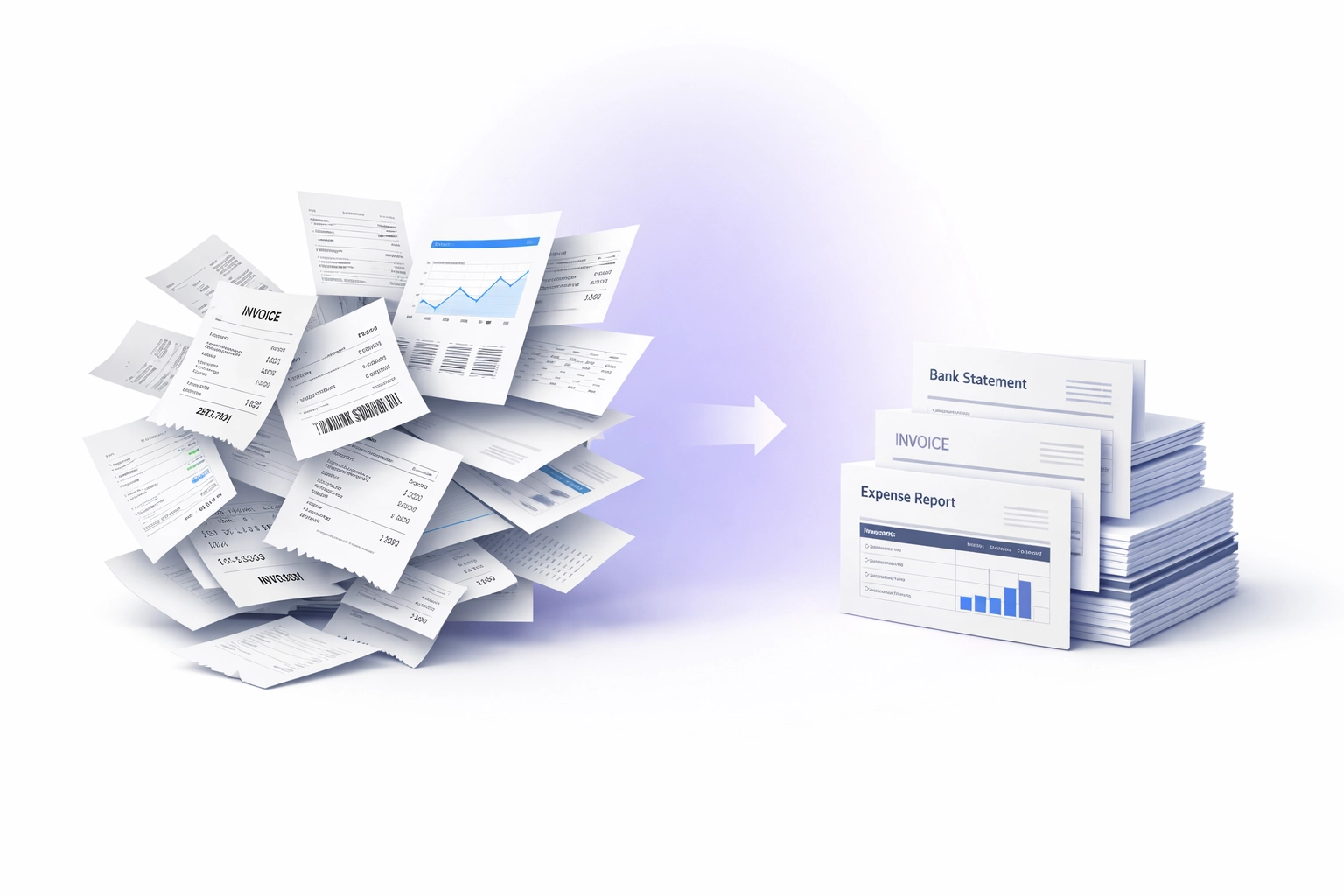
Step 1: Gather Every Financial Record You Have
Start by collecting everything:
- Bank statements (business checking and savings)
- Credit card statements
- PayPal, Stripe, Shopify, or Square reports
- Receipts (digital or paper)
- Invoices you sent to customers
- Bills from vendors
- Payroll records
Go back to the last month you know was reconciled correctly. If you're not sure, start from the beginning of your last tax year.
The goal here is to have a complete paper trail before you touch QuickBooks.
Step 2: Audit Your Chart of Accounts
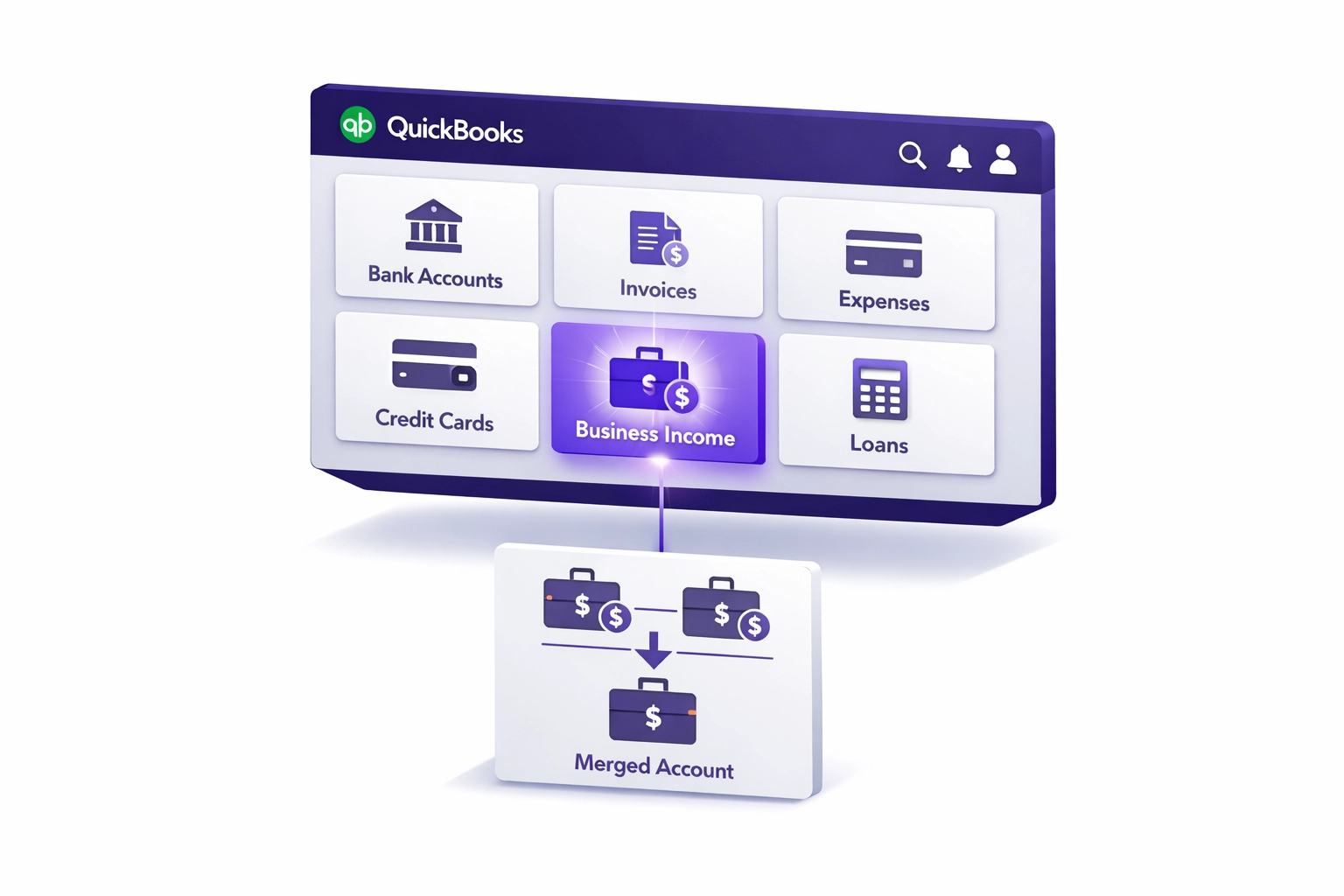
Open your Chart of Accounts in QuickBooks. Look for duplicate accounts.
Common duplicates we see:
- "Office Supplies" and "Supplies – Office"
- "Meals" and "Meals and Entertainment"
- Multiple "Miscellaneous" accounts
Merge duplicates into one clean account. This prevents you from splitting similar expenses across different categories, which makes your reports useless.
Also check your equity accounts. Your beginning equity should match your prior year tax return. If it doesn't, flag it now so you can adjust it correctly later.
Step 3: Reconnect Your Bank and Credit Card Feeds
If your bank feeds are disconnected or you've been manually uploading statements, reconnect them now.
Go to Banking in QuickBooks and reconnect each account. This stops duplicate entries and ensures future transactions flow in automatically.
If you use third-party tools like Shopify, PayPal, or Square, reconnect those too. Bad integrations are one of the biggest sources of duplicate transactions during catch up bookkeeping.
Step 4: Reconcile Every Bank and Credit Card Statement
This is the backbone of catch up bookkeeping.
Start with your oldest unreconciled month. In QuickBooks, go to Reconcile and enter the ending balance from your bank statement.
Match every transaction. If something doesn't match, don't force it. Flag it and move on. You'll address discrepancies in Step 5.
Reconcile one month at a time, in order. Don't skip months.
Why this matters: reconciliation proves your books match reality. Without it, your reports are just guesses.
What Our Bookkeeping Cleanup Includes
When you work with us for catch up bookkeeping, here's what we handle:
- Full chart of accounts audit and cleanup
- Bank and credit card reconciliation (all months)
- Transaction categorization (every uncategorized item)
- Accounts payable and receivable review
- Payroll record categorization
- Sales tax liability tracking
- 1099 vendor setup and W-9 collection
- Opening balance corrections
- Monthly financial reports once cleanup is complete
We're based in Los Angeles and certified in both QuickBooks Online and Xero. We work directly with your CPA to make sure everything aligns before tax filing.
Step 5: Categorize All Transactions
Now go through your uncategorized transactions.
In QuickBooks, open your Banking page. You'll see a list of transactions waiting for review.
For each one, assign the correct category:
- Office supplies
- Meals (keep under business meal rules)
- Contractor payments (flag for 1099 tracking)
- Loan payments (split between principal and interest)
- Owner draws (never categorize these as expenses)
If you're unsure about a category, mark it and ask your CPA. Don't guess. Miscategorized expenses create problems during audits.
Step 6: Review Outstanding Invoices and Bills
Open your Accounts Receivable report. These are unpaid customer invoices.
Contact customers with invoices over 60 days old. Close out any invoices that were paid outside QuickBooks (like via Venmo or cash).
Next, open your Accounts Payable report. These are unpaid vendor bills.
Pay what's due. Write off anything that's no longer valid. This step clears out old clutter and gives you an accurate cash position.
Step 7: Address Payroll and 1099 Compliance
Pull your payroll records and make sure every payroll run is recorded in QuickBooks.
If you paid contractors over $600 in the year, confirm they have a completed W-9 on file. Mark them as 1099 vendors in QuickBooks so they're tracked correctly.
This step is critical if you're approaching tax season. Your CPA can't file without clean payroll and contractor records.
Important: If you need to fix transactions from a tax year you've already filed, use a Retained Earnings adjustment instead of editing old transactions. Changing historical data after filing creates discrepancies that show up during audits.
How Much Catch Up Bookkeeping Costs
Cost depends on three factors:
- Transaction volume: How many months are behind and how many transactions per month.
- Complexity: Multiple bank accounts, inventory, payroll, or sales tax add time.
- Data quality: Missing receipts, disconnected feeds, and duplicate entries increase the scope.
Most small businesses pay between $1,500 and $5,000 for 6 to 12 months of bookkeeping cleanup. Construction and e-commerce businesses with high transaction volume are typically on the higher end.
We give fixed-price quotes after reviewing your current books. No surprises.
How Long the Cleanup Process Takes
Timeline depends on how far behind you are and how responsive you are with documents.
Here's what's typical:
- 1 to 3 months behind: 1 to 2 weeks
- 6 months behind: 2 to 3 weeks
- 12+ months behind: 4 to 6 weeks
The bottleneck is usually gathering records. If you send everything upfront, we move faster.
Why Your CPA Needs Catch Up Bookkeeping Done Before Tax Season
Your CPA can't prepare an accurate tax return from messy books.
They need:
- Reconciled bank statements
- Categorized transactions
- Clean profit and loss reports
- Accurate balance sheet
- Payroll and 1099 records
If your books aren't ready, your CPA has to guess or spend billable hours cleaning up your data. That raises your tax prep bill and increases your risk of errors.
Catch up bookkeeping protects both your tax filing and your CPA relationship.
Need Help With Catch Up Bookkeeping?
If you're looking at months of backlog and don't have time to fix it yourself, we can handle the full cleanup. We'll reconcile your accounts, categorize transactions, and get your books audit-ready in 2 to 4 weeks.
Based in LA. Certified in QuickBooks Online and Xero. We work directly with your CPA to make sure everything is ready before filing.
Book a short call or request a catch up bookkeeping quote. We'll review your current state and give you a fixed price.
Frequently Asked Questions
How long does catch up bookkeeping take if I'm 12 months behind?
Most businesses need 4 to 6 weeks for a full year of cleanup. The timeline depends on transaction volume, missing records, and how quickly you can provide bank statements and receipts.
What factors affect the cost of bookkeeping cleanup?
Three main factors: transaction volume (how many months and how many transactions per month), complexity (multiple accounts, inventory, payroll, or sales tax), and data quality (missing receipts, disconnected feeds, duplicate entries).
What if I don't have old bank statements?
You can request past statements from your bank. Most banks provide up to 7 years of statements online or by request. If statements are unavailable, we work with what you have and document the gaps.
Can you fix payroll tax errors during catch up bookkeeping?
We can reconcile payroll records and flag discrepancies, but we don't file payroll tax amendments. If we find errors, we coordinate with your CPA or payroll provider to correct them before the next filing.
What happens if I have sales tax nexus in multiple states?
We track sales tax liability by state and reconcile what you collected versus what you owe. We don't file sales tax returns, but we give you accurate liability reports so you or your sales tax preparer can file correctly.
Do I need to use QuickBooks Online, or can you work in Xero?
We're certified in both QuickBooks Online and Xero. If you're already using one, we'll work in your system. If you're starting fresh, we'll recommend the best fit based on your business type.
How do you coordinate with my CPA during cleanup?
We send your CPA a full set of reconciled financials once cleanup is complete. If they have specific reporting needs or adjustments, we make those changes before you file. We don't provide income tax advice, but we make sure the books support your tax filing.
Should I do catch up bookkeeping myself or hire a pro?
If you're 1 to 2 months behind and have time, you can DIY using the steps in this post. If you're 6+ months behind, have payroll or inventory, or need clean books for a loan or tax filing, hiring a pro saves time and reduces errors.
Disclaimer: Books LA provides bookkeeping and financial record services. We do not provide income tax advice. For income tax questions, consult your CPA or tax advisor. We coordinate closely with CPAs to ensure your books are ready for accurate tax filing.
