Why Should Businesses Stop Using Spreadsheets for Bookkeeping?
If you are still using a spreadsheet for business bookkeeping, it is probably costing you time, creating avoidable errors, and making it harder to see what is really happening in your business. This post is for small business owners and founders who want cleaner books, better reporting, and a simpler way to manage day-to-day bookkeeping with tools like QuickBooks Online or Xero.
Businesses should stop using spreadsheets for bookkeeping because they are prone to manual errors, consume significant time, and lack the real-time financial visibility crucial for informed decision-making. Spreadsheets are not built for essential functions like bank feeds, reconciliations, or shared access, which increases the risk of mistakes and outdated information. Dedicated bookkeeping software, such as QuickBooks Online or Xero, automates these tasks, providing a current and accurate view of cash flow, expenses, and invoices. This transition enables growing businesses to achieve cleaner books, better reporting, and simpler day-to-day financial management.
- Spreadsheets work for simple tracking, not reliable bookkeeping
- Manual entry increases the risk of mistakes
- Bookkeeping software saves time with automation
- Cloud accounting makes collaboration easier
- Audit trails improve accuracy and accountability
- A switch is usually easiest at the start of a month or quarter
Last updated: May 6, 2026
You should stop using a spreadsheet for your business bookkeeping when your records need to be accurate, current, and easy to review. Spreadsheets are fine for simple lists, but they are not built for bank feeds, reconciliations, shared access, or dependable reporting. For most growing businesses, bookkeeping software saves time, reduces mistakes, and gives you a clearer view of cash flow, expenses, and unpaid invoices without so much manual work.
Author
Jelena Arkula
Owner, Books LA
Los Angeles, California
QuickBooks ProAdvisor | QuickBooks Online and Xero specialist
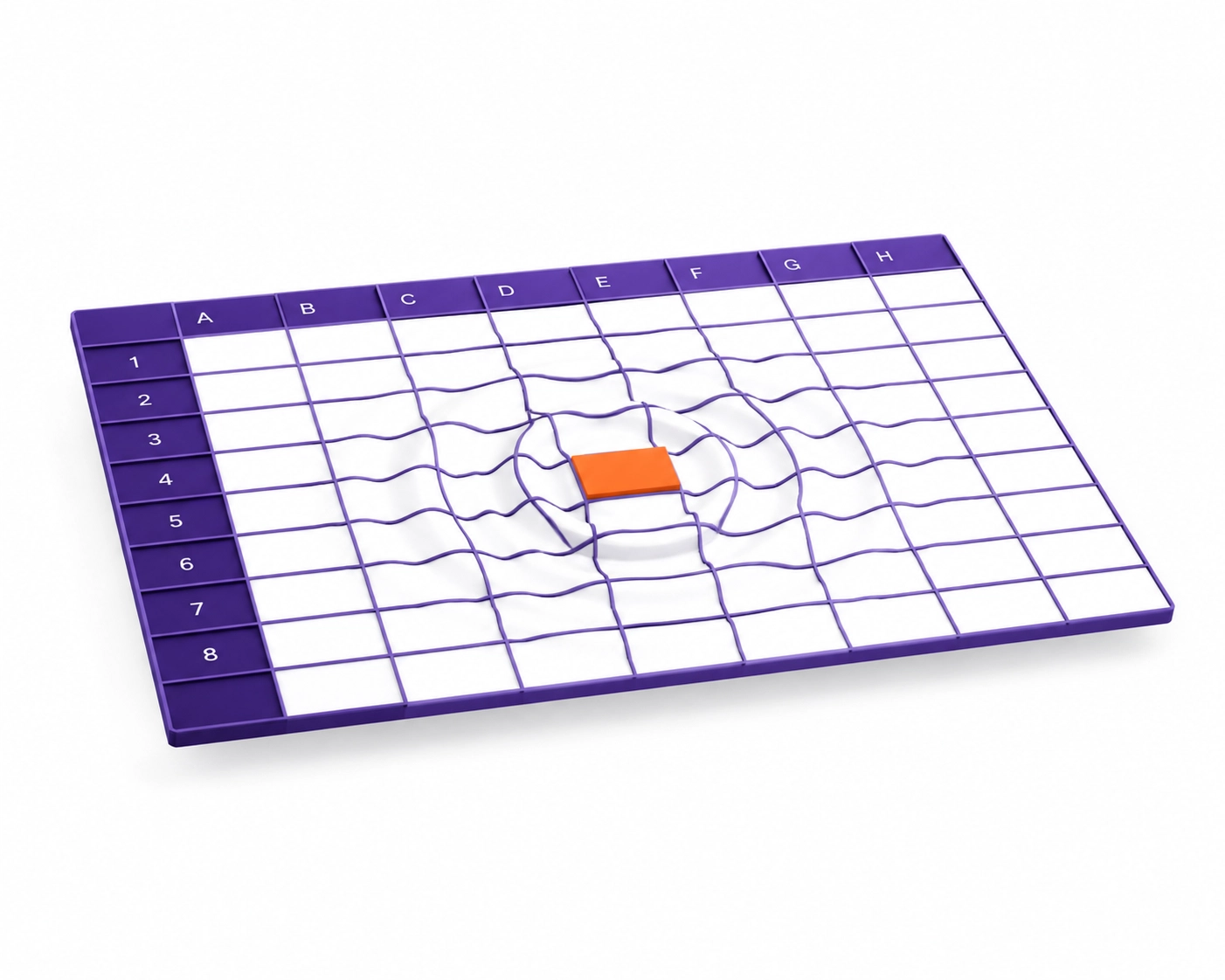
What are the risks of using Excel for accounting?
Most founders start with a spreadsheet because it feels familiar and free. That works for a very small number of transactions, but it usually breaks down once the business gets busier.
The biggest risk is manual error. One wrong formula, one pasted-over row, or one missed transaction can throw off your reports and leave you making decisions from bad numbers.
Spreadsheets also do not have built-in controls. They will not warn you when transactions are duplicated, uncategorized, or missing from your books.
What does an audit trail mean in bookkeeping?
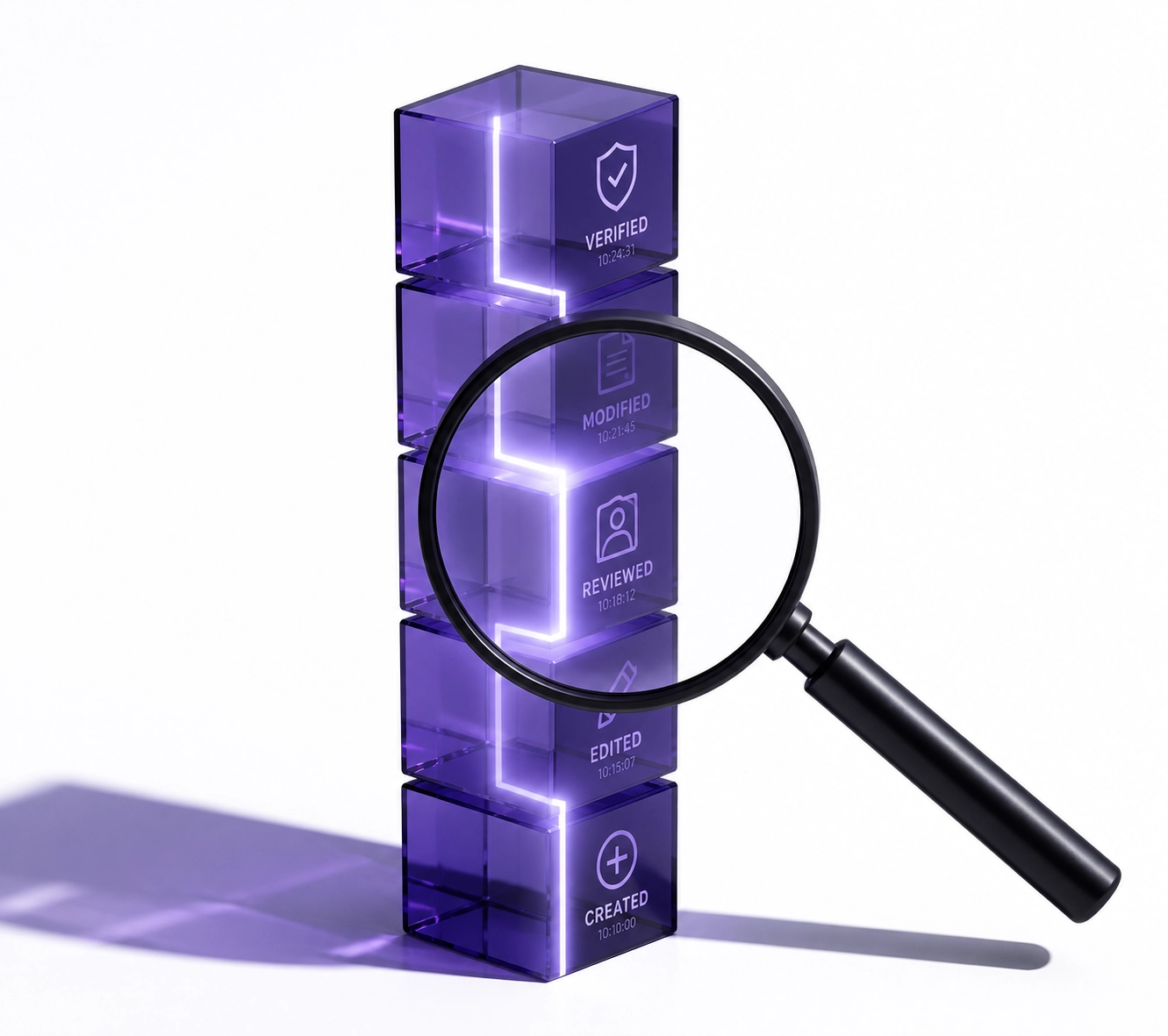
An audit trail is a record of what changed in your books, who changed it, and when it happened. Good bookkeeping software keeps that history automatically, which makes reviews, corrections, and oversight much easier.
How does QuickBooks save time compared to spreadsheets?
The main difference is automation. In a spreadsheet, you type in dates, vendors, amounts, and categories by hand. In QuickBooks Online or Xero, you can connect bank and credit card accounts so transactions flow in automatically.
That changes your job from data entry to review. Instead of building the books line by line, you review matches, confirm categories, and fix exceptions.
Software also handles routine tasks that spreadsheets do poorly:
- Recurring invoices: bill clients on a schedule
- Receipt capture: attach receipts to transactions from your phone
- Bank reconciliation: compare your records to the bank activity and flag differences
- Rules and suggested categories: reduce repeat coding work
Why is real-time visibility better than spreadsheet bookkeeping?
A spreadsheet is usually backward-looking. Many owners update it once a month, once a quarter, or right before tax time, so the numbers are already stale when they review them.
Bookkeeping software gives you a current view of cash, expenses, invoices, and bills. That makes it easier to make decisions while they still matter.
If you notice a spending problem in real time, you can fix it now. That is much more useful than finding out two months later.
What is cloud accounting?
Cloud accounting means your bookkeeping system is hosted online instead of living in one spreadsheet file on one computer. You and your bookkeeper can log in securely from different places, see the same live data, and work from one shared set of books.
Why is bookkeeping software easier to share with your bookkeeper or CPA?
Spreadsheets create version-control problems fast. Files get emailed around, saved under new names, and updated in different places, so nobody is fully sure which version is correct.
With bookkeeping service support inside cloud accounting software, each person can have their own login. Your bookkeeper can categorize transactions, your CPA can review reports, and you can still see the same live data.
That usually means less cleanup work at year-end. It also means fewer billable hours spent untangling spreadsheet errors before reports are ready for your CPA.
What happens when your business outgrows a spreadsheet?
As your business grows, bookkeeping usually gets more complex. You may need better reporting, cleaner reconciliations, user permissions, payroll support, sales tax tracking, or multi-state records.
This is where spreadsheets start to become risky. They are not designed to scale with a team, and they do not give you the controls that proper bookkeeping software provides.
If you are hiring, growing, or dealing with more compliance tasks, software is usually the safer long-term system. For more on team-related workflows, see our guide on transforming payroll complexity.
Checklist: 5 Signs You've Outgrown Your Spreadsheet
- You are spending more than an hour or two each month entering transactions manually
- You are not reconciling your bank and credit card accounts consistently
- You have multiple people touching the same file
- You cannot see current cash flow, open invoices, or upcoming bills easily
- Your CPA or tax preparer keeps asking for cleanup before filing
How much time can bookkeeping software actually save?
Here is a simple example for a small LA creative agency with 50 monthly bank transactions.
Spreadsheet method
- Download bank activity: 10 minutes
- Paste into the spreadsheet: 5 minutes
- Categorize 50 rows manually: 30 minutes
- Match receipts: 20 minutes
- Check formulas and totals: 15 minutes
- Total: 80 minutes
Software method
- Bank feed imports transactions: 0 minutes
- Match 40 known transactions: 5 minutes
- Review 10 exceptions: 5 minutes
- Auto-match receipts: 2 minutes
- Review reconciliation: 1 minute
- Total: 13 minutes
That is about 67 minutes saved in one month. Over a year, that is more than 13 hours, and the records are usually more accurate too.
What if you still like spreadsheets?
That is fine. Spreadsheets are still useful for budgeting, forecasting, and one-off analysis. The better setup is usually to keep your bookkeeping in software and export the numbers into a spreadsheet when you want to model scenarios.
How do you switch from a spreadsheet to bookkeeping software?
The cleanest time to switch is usually the start of a new month, quarter, or year. You choose a start date, enter opening balances, connect your bank feeds, and begin recording new activity in the software.
If your old spreadsheet has missing categories, duplicated entries, or unreconciled accounts, do a review before importing anything. In many cases, a bookkeeping cleanup service is the fastest way to make sure the new file starts clean.
What should you do this week if you are still using a spreadsheet?
- Review how many transactions you enter manually each month
- Check whether your bank accounts are actually reconciled
- Make a list of reports you wish you had at a glance
- Decide whether QuickBooks Online or Xero fits your workflow better
- Pick a target start date for the move
Need help reviewing your setup? You can book a short call or request a bookkeeping review.
About the Author
Jelena Arkula is the owner of Books LA, a Los Angeles bookkeeping firm that helps small businesses and startups keep accurate, up-to-date books. She is a QuickBooks ProAdvisor and works with QuickBooks Online and Xero to support cleanup, monthly bookkeeping, and workflow setup for growing businesses.
IRS / Tax Disclaimer
Books LA provides bookkeeping and financial management services. We do not provide income tax advice, legal advice, or formal tax preparation. We work closely with our clients' CPAs on income tax matters, and readers should confirm income tax treatment with their CPA. For bookkeeping-adjacent compliance topics, we commonly help clients stay organized for payroll tax, sales tax, and business license requirements.
Frequently Asked Questions
Do I need to stop using spreadsheets completely?
No. Spreadsheets are still useful for budgeting, forecasting, and custom analysis. They are just not the best place to keep your main books.
When is a spreadsheet no longer good enough?
Usually when transaction volume grows, more than one person needs access, or reconciliations start getting skipped. If you cannot trust the numbers quickly, it is time to upgrade.
Is QuickBooks better than Excel for small business bookkeeping?
For ongoing bookkeeping, yes. QuickBooks is built for bank feeds, reconciliations, reporting, user access, and audit history in a way Excel is not.
What if my books are already messy?
That is common. Clean them up first or start fresh from a clear date, then move into software with the right opening balances.
Will software replace my bookkeeper?
No. Software reduces manual work, but someone still needs to review transactions, reconcile accounts, and keep the records accurate.
Is cloud accounting safe?
In most cases, yes. Good platforms use encryption, permissions, and security features that are generally safer than passing spreadsheet files around by email.
Conclusion
Yes, you should stop using a spreadsheet for your business bookkeeping once accuracy, visibility, and efficiency actually matter. Spreadsheets are helpful tools, but bookkeeping software is the better system for running a real business, saving time, and keeping your records clean enough for decision-making and CPA review.
Need help making the switch? You can book a short call with us here.