Bookkeeper Los Angeles: 10 Things to Know Before Hiring (2026)

Bookkeeper Los Angeles: 10 Things to Know Before Hiring (2026)

Last updated: May 31, 2026

Hiring a bookkeeper in Los Angeles requires finding a professional who understands California’s specific tax landscape and local business regulations while maintaining clean, cloud-based records. This guide is for LA-based small business owners and startups who want to outsource their accounting and will cover a 10-point checklist for vetting candidates, from software certifications to local compliance expertise.

Choosing the right partner ensures your financials are accurate and ready for tax season without the stress of managing daily transactions yourself.

1. Verify certifications in QuickBooks or Xero

The first thing to look for is technical proficiency in modern cloud-based tools. A qualified bookkeeper in Los Angeles should be a Certified QuickBooks ProAdvisor or a Xero Certified Advisor. These certifications prove that the professional stays updated on software changes, new features, and automated workflows.

At Books LA, we utilize these tools to provide monthly bookkeeping packages that keep your data synchronized in real-time. Certification ensures they can troubleshoot bank feed errors, manage complex integrations, and set up your chart of accounts correctly from day one.

2. Check for local Los Angeles compliance expertise

Abstract magnifying glass over Los Angeles skyline silhouette

Los Angeles has unique business requirements that a generic out-of-state freelancer might miss. You need someone familiar with the City of Los Angeles Business Tax (Office of Finance) and California-specific filings.

A local expert will understand:

  • City of Los Angeles business license renewals.
  • California Sales and Use Tax requirements for local nexus.
  • The impact of the California Consumer Privacy Act (CCPA) on how financial data is stored.
  • Local minimum wage increases and their effect on payroll budgeting.

3. Understand their industry-specific experience

A construction firm in the Valley has different needs than a creative agency in Silver Lake or a tech startup in Santa Monica. Ask potential hires about their experience with your specific business model. For example, if you run a growth-stage business, you need a partner who understands bookkeeping cleanup services to fix historical errors before you pitch to investors.

4. Evaluate their tech stack and automation level

Minimalist cloud and gear icons representing accounting software

In 2026, manual data entry is obsolete. You want a bookkeeper who embraces paperless document management and automated workflows. Ask how they handle receipts and invoices. Do they use tools like Dext or Hubdoc?

A modern bookkeeping service should offer:

  • Paperless document collection.
  • Simplified client portals for easy document access.
  • Integration between your bank accounts and accounting software.
  • Automated accounts payable (AP) and accounts receivable (AR) processes.

5. Assess their communication style and responsiveness

Effective bookkeeping is built on clear communication. You need to know how often you will hear from your bookkeeper and how quickly they respond to questions. Some firms only contact you once a month during the close, while others offer more frequent check-ins.

At Books LA, we prioritize being super reliable and adapting to our clients’ systems. We believe in a friendly tone and simplified reporting so you actually understand your numbers.

6. Ask about transparent pricing models

Avoid the "black box" of hourly billing whenever possible. Hourly rates can lead to unpredictable monthly costs and may disincentivize efficiency. Look for firms that offer flat-fee monthly bookkeeping packages. This allows you to budget accurately and ensures the firm is focused on the quality of the output rather than the quantity of hours logged.

7. Ensure high-level data security protocols
Minimalist secure padlock and folder icon

Your financial data is sensitive. Before hiring, ask about their security measures. A professional firm should use:

  • Multi-factor authentication (MFA) for all accounts.
  • Encrypted document storage and transfer methods.
  • Specific user roles with restricted permissions (e.g., view-only access to bank accounts).
  • Compliance with industry standards for data protection.

8. Confirm their ability to scale with your growth

Many business owners start with a part-time freelancer only to outgrow them within six months. Consider whether the bookkeeper can handle increased transaction volume, complex payroll, or multi-entity reporting as you expand. An established firm with a team approach is often better suited for growth-stage businesses than a solo practitioner.

9. Review their workflow for month-end closes

A professional bookkeeper should have a documented process for closing your books each month. This isn't just about matching bank balances. It involves:

  • Reconciling all bank and credit card accounts.
  • Reviewing the Balance Sheet for accuracy.
  • Verifying that all expenses are categorized correctly.
  • Producing a standard reporting package (P&L, Balance Sheet, Cash Flow).

Practical Example: The Impact of Proper Reconciliations
Imagine an LA-based consulting firm with $50,000 in monthly revenue. Without a proper month-end close, they might miss $2,500 in recurring software subscriptions that should have been canceled, or $4,000 in uncollected invoices from a client. A diligent bookkeeper identifies these gaps during the close, saving the owner $6,500 in a single month.

10. Check professional ethics and references

Finally, request references from other business owners in the Los Angeles area. A reputable bookkeeping service in Los Angeles will have a track record of reliability and integrity. Look for testimonials that highlight their attention to detail and their ability to catch mistakes before they become expensive problems.


About the Author: Books LA

Books LA is a leading bookkeeping firm based in Los Angeles, California. We are a team of certified professionals specializing in QuickBooks Online and Xero. We help busy entrepreneurs, construction companies, and growth-stage startups keep their books clean and accurate. Our mission is to provide paperless, modern bookkeeping solutions that allow business owners to focus on growth while we handle the daily details.


Internal Links and Next Steps

If you are ready to get your books in order, we suggest exploring these resources:

Want us to handle this for you?
If you’re looking for a reliable partner to manage your bookkeeping, we invite you to book a short call with us to review your needs and see how we can help.


FAQ: Hiring a Bookkeeper in Los Angeles

How much does a bookkeeper in Los Angeles cost?
Pricing varies based on transaction volume and complexity. Many firms offer monthly packages starting between $300 and $1,000. Hourly rates for experienced professionals in LA typically range from $75 to $150 per hour.

What is the difference between a bookkeeper and a CPA?
A bookkeeper manages daily financial transactions, reconciliations, and monthly reporting. A CPA (Certified Public Accountant) typically focuses on high-level tax strategy, audits, and filing income tax returns. We work directly with your CPA to ensure they have clean data for tax time.

Do you provide income tax advice?
No. Books LA does not provide income tax advice or prepare income tax returns. We specialize in bookkeeping and work alongside your CPA to ensure your records are tax-ready. Always consult with a CPA for income tax matters.

How do I give a bookkeeper access to my bank accounts?
Most modern banks allow you to create "view-only" or "accountant" access. This allows your bookkeeper to download statements and view transactions without the ability to move money or make withdrawals.

What software do most LA bookkeepers use?
QuickBooks Online and Xero are the industry standards for small businesses and startups in Los Angeles due to their cloud-based accessibility and extensive integration options.

How long does a bookkeeping cleanup take?
Depending on the volume of transactions and the number of years that need to be "caught up," a cleanup can take anywhere from a few weeks to a few months. We provide a specific timeline after reviewing your current records.

Can I do my own bookkeeping using software like QuickBooks?
You can, but many business owners find that the time spent on bookkeeping is better used growing their business. Additionally, DIY bookkeeping often leads to errors that require an expensive cleanup later.

What documents do I need to provide to my bookkeeper?
Typically, you will need to provide bank and credit card statements, loan statements, payroll reports, and access to your invoicing or POS system. We use paperless tools to make this process seamless.

Are you available for in-person meetings in LA?
While we are based in Los Angeles, our workflow is entirely cloud-based and paperless. This allows us to serve clients efficiently across the city and the US through video calls and digital client portals.

What if I have messy books from previous years?
We offer specialized bookkeeping cleanup services to reorganize your accounts, reconcile past periods, and get your financials back on track.


Disclaimer: Books LA does not provide income tax advice. We are bookkeeping professionals who work with CPAs for income tax matters. Readers should confirm all tax-related decisions with their CPA or tax professional.
The Ultimate Guide to Construction Bookkeeping: Everything You Need to Succeed with Job Costing

The Ultimate Guide to Construction Bookkeeping: Everything You Need to Succeed with Job Costing

Last updated: May 31, 2026

Construction bookkeeping is a specialized system used to track project-specific costs, manage complex subcontractor relationships, and ensure accurate financial reporting for companies in the trades. This guide is for construction business owners and managers who want to implement job costing to protect their project margins and gain clarity on their cash flow. We will cover cost code setups, labor burden calculations, subcontractor compliance, and work-in-progress (WIP) reporting.

What makes construction bookkeeping different from general accounting?

Standard bookkeeping often focuses on the company as a whole. You look at total revenue and total expenses. In construction, this approach is dangerous because it hides which projects are actually making money. Construction bookkeeping relies on job costing, which treats every project as its own profit center.

There are also unique technical requirements like retainage. Retainage is a portion of a contract price that is withheld until a project is substantially complete. If you do not track retainage receivable (for your customers) and retainage payable (for your subcontractors) separately, your balance sheet will not accurately reflect your available cash.

Another difference is the timing of revenue. Most industries recognize revenue when a sale happens. Construction often uses the percentage of completion method. This means you recognize revenue based on how much work you have finished, not necessarily how much you have billed. This prevents "over-billing" from looking like pure profit.

How do you set up job costing for success?

The foundation of job costing is a clean cost code structure. These codes should match your original estimate. If you bid a project by phase (foundation, framing, electrical), your bookkeeping must follow that same structure.

Direct materials and labor

Every receipt and invoice must be coded to a specific job and a specific cost code. If you buy lumber for the Smith project, it shouldn't just go into a "Materials" bucket. It needs to be tagged to "Smith Project: Framing."

Labor is even more critical. You cannot simply track total payroll. You need to know how many hours your crew spent on each phase. This allows you to see if your labor costs are exceeding your estimates before the project ends.

Understanding labor burden

The biggest mistake many contractors make is using the base hourly wage for job costing. Your actual cost for an employee includes more than their paycheck. This is called labor burden.

Labor burden includes:

  • Payroll taxes (FICA, FUTA, SUTA)
  • Workers’ compensation insurance
  • Health insurance and benefits
  • Paid time off (PTO)
  • Employer-provided tools or uniforms

If you pay an employee $30 per hour, your burdened rate might actually be $42 per hour. If you only job cost the $30, you are undercounting your expenses and overestimating your profit margins.

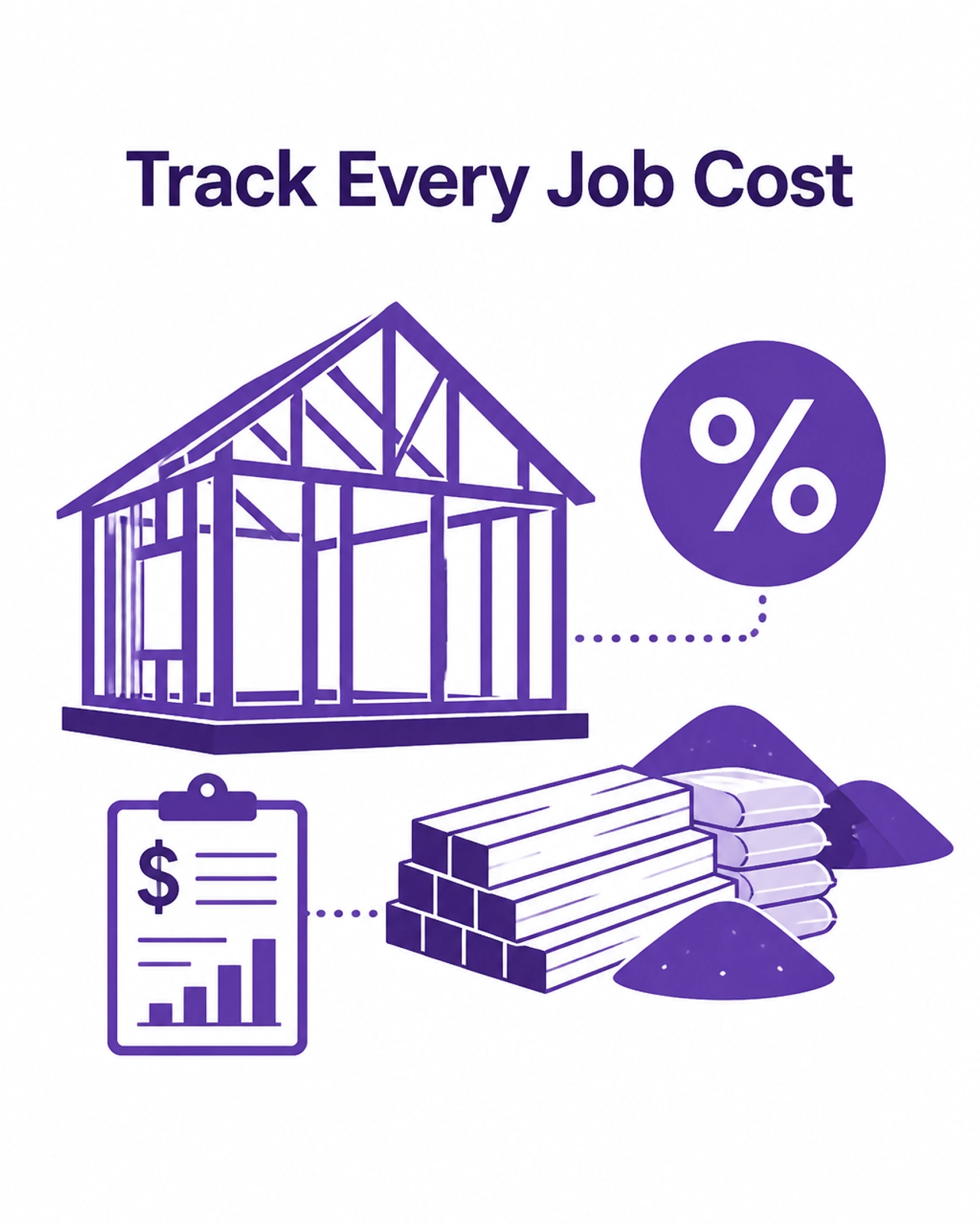
Track Every Job Cost

How do you manage subcontractors and compliance?

Subcontractors often represent the largest expense on a construction project. Managing them requires a mix of bookkeeping and document control.

Tracking commitments

When you sign a contract with a trade partner, that is a "committed cost." Your bookkeeping system should track these commitments. Even if you haven't received an invoice yet, knowing that you owe a subcontractor $20,000 for upcoming work helps you understand your true remaining budget.

Retainage and lien waivers

You should track retainage payable on every subcontractor invoice. Usually, this is 5% or 10% of the bill. Keeping this in a separate liability account ensures you don't spend money that technically belongs to your subs.

Before you release a payment, your bookkeeping workflow should include a check for compliance documents. This includes current Certificates of Insurance (COI) and signed lien waivers. Paying a sub without a lien waiver can lead to double payment risks if they fail to pay their own suppliers.

If your current records are a mess of old invoices and missing waivers, a bookkeeping cleanup service can help you get back to a baseline where you can actually trust your numbers.

How do you track project margins in real time?

Wait until the end of a job to check your profit is too late. You need real-time visibility through a Work-in-Progress (WIP) report. A WIP report compares your actual costs to your estimated costs and your billings to your percentage of completion.

Under-billing and over-billing

If you have completed 50% of the work but only billed 40%, you are under-billed. This is essentially a loan you are giving to your customer, and it can crush your cash flow.

Conversely, if you have billed 60% but only completed 40%, you are over-billed. This is "job cash" that you shouldn't treat as profit yet, because you still have the costs of that remaining work ahead of you.

Reviewing the "Budget vs. Actual" report

At least once a month, you should review a Budget vs. Actual report for every active project. Look for variances. If the "Electrical" phase is at 90% of the budget but only 50% complete, you have a problem that needs immediate attention.

Optimize Your Project Margins

What are the most common construction bookkeeping mistakes?

  1. Ignoring the "Change Order" process: If you do extra work but don't update the budget in your bookkeeping system, your margins will look terrible. Every approved change order must be added to the project's contract value and budget.
  2. Mixing personal and business expenses: This is a major issue for smaller contractors. It makes it impossible to see the true profitability of the company.
  3. Co-mingling project funds: Using the deposit from Job B to pay for materials for Job A is a slippery slope. Proper construction bookkeeping keeps the cash flow for each job distinct.
  4. Late data entry: If receipts aren't entered for two weeks, your job cost reports are useless for decision-making.

If you are struggling to keep up with these daily tasks, our monthly close services ensure your data is accurate and your reports are ready when you need them.

A practical example: The $100,000 Kitchen Renovation

Let's look at how these numbers work in practice for a mid-sized renovation project.

  • Contract Value: $100,000
  • Estimated Direct Costs: $70,000
  • Target Margin: $30,000 (30%)

Halfway through the project, your bookkeeping shows:

  • Actual Costs Incurred: $40,000
  • Percentage of Completion: 50%
  • Amount Billed: $45,000

In a standard bookkeeping system, it looks like you have $5,000 in profit ($45k billed minus $40k cost). However, a construction-focused system shows:

  • Earned Revenue: $50,000 (50% of $100k)
  • Over/Under Billing: You have under-billed by $5,000 ($50k earned minus $45k billed).
  • True Profit to Date: $10,000 ($50k earned minus $40k cost).

Without this level of detail, you might think you are doing worse than you actually are, or you might fail to notice that you are behind on your invoicing.

Manage Subcontractors with Ease

Next steps for your construction company

Improving your bookkeeping starts with a commitment to clean data. This week, review your chart of accounts and ensure you have specific categories for materials, labor, and subcontractors. Next month, begin tracking your labor hours by project.

If your books are currently behind or you aren't sure if your job costing is accurate, we can help. Request a bookkeeping review to see where your system needs strengthening.


About the Author: Books LA

Books LA is based in Los Angeles and provides specialized bookkeeping for construction companies, startups, and small businesses across the US. Led by Jelena Arkula, our team is certified in QuickBooks Online and Xero. We focus on creating paperless, cloud-based workflows that give business owners real-time access to their financial health. We don't just "do the books" (we help you understand the story your numbers are telling so you can grow with confidence).


FAQ: Construction Bookkeeping and Job Costing

How much does a construction bookkeeping cleanup cost?
The cost of a cleanup depends on the volume of transactions and the number of years that need to be reconciled. Most cleanups for small to mid-sized construction firms range from $2,500 to $7,500. We provide a custom quote after a discovery call.

How long does it take to get my project reports up to date?
A standard cleanup usually takes 2 to 4 weeks. Once the historical data is corrected, we can provide monthly job cost reports within 10 days of each month-end.

Do I need special software for construction bookkeeping?
While there is expensive ERP software for huge firms, most small to mid-sized contractors do perfectly well with QuickBooks Online or Xero, provided they are set up correctly with projects and cost codes.

What do I need to provide to my bookkeeper each month?
You will need to provide access to your bank and credit card feeds, copies of all subcontractor invoices, signed lien waivers, and your weekly crew time-sheets broken down by project.

Can you handle 1099s for my subcontractors?
Yes. We track subcontractor payments throughout the year and manage the filing of 1099s during tax season to ensure you stay compliant.

Do you handle my income taxes?
We do not provide income tax advice or file income tax returns. We focus on high-quality bookkeeping and compliance. We work closely with your CPA to ensure they have a clean set of books for tax preparation.

What is the difference between a bookkeeper and a CPA for construction?
Your bookkeeper handles the day-to-day transaction coding, job costing, and monthly reporting. Your CPA uses that data once a year to file taxes and provide high-level tax planning strategies. You need both to be successful.

How often should I review my project margins?
For most residential and commercial contractors, a monthly review is sufficient. For high-velocity or very tight-margin projects, a bi-weekly review is recommended.


IRS/Tax Disclaimer: Books LA does not provide income tax advice. We work with CPAs for income tax matters. Readers should confirm all tax-related decisions with their CPA. We focus on bookkeeping-adjacent compliance such as sales tax, payroll tax, and business license requirements.

7 Mistakes You’re Making with Your Mid-Year Books (and How to Fix Them Right Now)

7 Mistakes You’re Making with Your Mid-Year Books (and How to Fix Them Right Now)

Last updated: May 31, 2026

A mid-year bookkeeping review allows you to identify errors and reconcile accounts before the high-pressure year-end tax season begins. This guide is for small business owners and startups who want to clean up their financial records and ensure their books are accurate for the second half of the year.

Most entrepreneurs focus on growth while letting daily financial tasks slide. By the time June or July rolls around, minor inconsistencies have often snowballed into significant data gaps. A professional bookkeeping cleanup at this stage prevents these errors from becoming permanent or expensive.

What is a mid-year bookkeeping review?

A mid-year bookkeeping review is a systematic check of all financial transactions from January 1st through June 30th. This process ensures that every dollar in and out of your business is accounted for, categorized correctly, and reconciled against your bank statements.

Performing this review now gives you six months of clean data to use for forecasting and budgeting. It also ensures that your bookkeeping cleanup service is proactive rather than reactive. If you wait until January to look at your June transactions, you are much more likely to forget details or lose receipts.

Mistake 1: Leaving bank accounts unreconciled

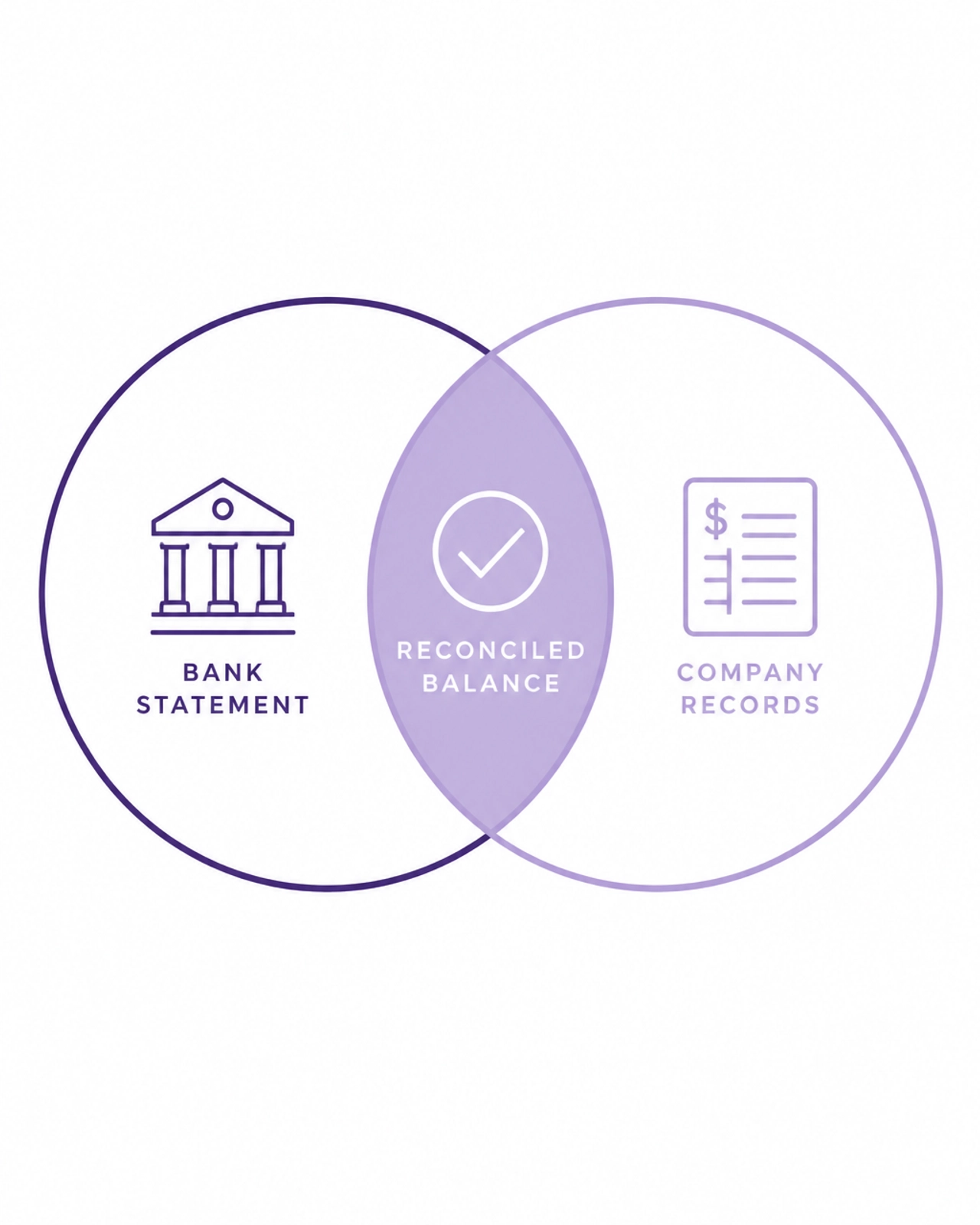
Reconciliation is the process of matching your internal accounting records (like QuickBooks or Xero) with your actual bank and credit card statements. Many business owners assume that because their bank feeds are connected, the data is automatically correct. This is a common misconception.

Bank feeds can skip transactions, create duplicates, or fail to account for bank fees and interest. If you haven't reconciled your accounts since January, your "Cash" balance on your balance sheet is likely incorrect.

How to fix it:
Download your bank statements for every month of the year so far. In your accounting software, use the reconciliation tool to match the ending balance of each statement. Investigate any discrepancies immediately. If you see transactions in your software that do not appear on your statement, they may be duplicates that need to be deleted.

Abstract illustration of digital folders and receipts in purple and white

Mistake 2: Mixing business and personal expenses

Commingling funds is one of the most frequent errors for first-time business owners and solo entrepreneurs. Using a business card for a personal grocery trip or a personal card for a business software subscription creates a "messy" trail.

This mistake makes it difficult to track the true profitability of your business. It also creates a massive headache for your CPA during tax season.

How to fix it:
If you have paid for business items with personal funds, record them as an "Owner's Contribution" rather than an expense. If you used business funds for personal items, categorize them as an "Owner's Draw." Moving forward, commit to a strict separation of accounts. If you don't have a dedicated business credit card yet, now is the time to open one.

Mistake 3: Overusing "Miscellaneous" and "Uncategorized" accounts

When you aren't sure where a transaction belongs, it’s tempting to put it in a "Miscellaneous" or "Uncategorized Expense" bucket. While this keeps the books "moving," it renders your financial reports useless.

A Profit and Loss statement with 15% of expenses sitting in "Miscellaneous" does not tell you where your money is actually going. This lack of clarity prevents you from making informed decisions about cutting costs or reinvesting.

How to fix it:
Review every transaction currently sitting in an uncategorized account. Check the vendor name and the amount. Most of the time, a quick search of your email or calendar will remind you what the purchase was for. Reassign these to the correct account in your Chart of Accounts.

Abstract visual representing bank reconciliation with overlapping purple circles

Mistake 4: Missing contractor W-9 forms

If you work with freelancers or contractors and pay them more than $600 in a calendar year, you are generally required to file a Form 1099-NEC. To do this, you need their legal name, address, and Taxpayer Identification Number (TIN).

Waiting until January to ask a contractor for a W-9 is a recipe for stress. Contractors may have moved, changed their business structure, or become unresponsive.

How to fix it:
Run a report of all vendors you have paid this year. Identify any individuals or LLCs that are not corporations. If you do not have a W-9 on file for them, send a request today. Many modern tools like QuickBooks Online have built-in features to request these digitally.

Mistake 5: Not reviewing your accounts receivable (AR)

Revenue is not the same as cash in the bank. If you have sent out invoices but haven't followed up on them, your books might show you are "profitable" while your bank account is empty.

Mid-year is the perfect time to look at your Aging AR report. This report shows you exactly who owes you money and how long those payments have been overdue.

How to fix it:
Run an "Accounts Receivable Aging Summary" report. For any invoices older than 30 days, send a friendly reminder. For anything older than 90 days, a phone call is usually necessary. If you realize an invoice will never be paid, you may need to write it off as bad debt to keep your records accurate.

Abstract graphic of a rising bar chart in purple tones

Mistake 6: Filing sales tax incorrectly

Sales tax rules are complex and vary by state. Many LA-based businesses struggle with tracking taxable vs. non-taxable sales, especially if they sell products online. Failing to set aside sales tax funds is a common mistake that leads to a cash flow crunch when the filing deadline arrives.

How to fix it:
Confirm that your accounting software is correctly calculating sales tax based on your customers' locations. Reconcile your "Sales Tax Payable" account on your balance sheet against the reports from your POS or e-commerce system. Ensure all previous filings have been submitted and paid.

Mistake 7: Waiting until December for a bookkeeping cleanup

The biggest mistake is simply waiting. Many business owners tell themselves they will "fix it later." By December, you are busy with holiday sales, staff parties, and planning for the new year. Attempting a six-month or twelve-month cleanup in a single week often leads to more errors and higher fees from professionals who are already at capacity.

How to fix it:
Start your mid-year bookkeeping review this week. Even if you only spend 30 minutes a day on it, you will have a much clearer picture of your business by the end of the month.

What does professional bookkeeping cleanup cost?

For most small service-based businesses in 2026, a professional cleanup typically ranges from $1,200 to $6,000 depending on the complexity and how many months are behind. This is a one-time investment that often pays for itself by uncovering missed tax deductions and preventing late-payment penalties. You can view our pricing and packages to see how we structure our services.

Want us to handle this?
If your books are messy and you’d rather focus on your business, we can help. Book a short call with our team to discuss a cleanup plan.

Your Mid-Year Bookkeeping Checklist

  1. Reconcile all accounts: Bank, credit cards, and loans.
  2. Clear uncategorized items: Assign every transaction to a real category.
  3. Review W-9s: Ensure you have forms for all contractors.
  4. Clean up your AR: Follow up on every unpaid invoice.
  5. Separate funds: Fix any personal expenses paid by the business.
  6. Verify sales tax: Ensure your settings and filings are accurate.
  7. Run financial statements: Review your P&L and Balance Sheet for the first half of the year.

About the Author
Books LA is a specialized bookkeeping firm based in Los Angeles, California. Led by Jelena Arkula, our team is certified in QuickBooks Online and Xero. We focus on helping LA-based startups and small businesses maintain clean, accurate, and paperless financial systems.

Disclaimer: Books LA does not provide income tax advice. We work closely with CPAs for income tax matters. You should always confirm tax-related decisions with your CPA.


Frequently Asked Questions

What is the difference between a mid-year review and a cleanup?
A mid-year review is a standard check-up for businesses that are already keeping up with their books. A bookkeeping cleanup is a more intensive project designed to fix months or years of errors, missing data, and unreconciled accounts.

How long does a bookkeeping cleanup take?
Most cleanup projects take between two and four weeks depending on the volume of transactions and the complexity of the errors. Larger projects involving multiple years can take longer.

Can I do the cleanup myself?
You can certainly attempt it using the checklist provided above. However, if your accounts haven't been reconciled in months or you have significant commingling of funds, a professional can often spot errors you might miss.

What do I need to provide for a cleanup?
Generally, you will need to provide access to your accounting software and your bank/credit card statements in PDF format. You may also need to provide payroll reports and sales tax filings.

Why shouldn't I just wait until tax season?
Waiting until tax season is more expensive because accountants are busier and have less time for deep cleanup work. Additionally, cleaning your books now gives you data you can actually use to grow your business for the rest of the year.

Does Books LA work with my existing CPA?
Yes. We focus on the day-to-day and monthly bookkeeping accuracy so that your CPA has a clean "trial balance" to work with at the end of the year. This often saves you money on your tax preparation fees.

Is cloud-based bookkeeping secure?
We use industry-standard tools like QuickBooks Online and Xero, which utilize high-level encryption. We also provide secure client portals for document sharing to ensure your financial data remains private.

How much does ongoing bookkeeping cost after the cleanup?
Ongoing monthly bookkeeping usually starts around $300 to $500 per month for small businesses and scales based on transaction volume and specific needs like accounts payable or payroll management.

How Much Do Bookkeepers Charge in Los Angeles?

How Much Do Bookkeepers Charge in Los Angeles?

In Los Angeles, small businesses typically pay between $250 and $1,500 per month for professional bookkeeping services. Hourly rates for local freelance bookkeepers generally range from $25 to $55 per hour, while specialized firms may charge higher fixed fees based on transaction volume and business complexity. This guide is for Los Angeles business owners who need to budget for professional financial oversight and want to understand what influences these costs in 2026.

TL;DR: Professional bookkeeping in Los Angeles averages $400 to $1,000 per month for most established small businesses. Basic monthly maintenance starts around $250, while businesses requiring payroll, accounts receivable, and detailed monthly reporting should budget $1,000 or more. Hourly rates for local freelancers average approximately $25 to $35 for general entry, rising to $55 or more for senior-level expertise.


What is the average monthly cost for bookkeeping in Los Angeles?

Most Los Angeles small businesses pay a monthly flat fee that ranges from $400 to $1,000 for recurring bookkeeping. This fee structure is often preferred over hourly billing because it provides budget predictability for the business owner. A flat fee usually covers bank reconciliations, expense categorization, and the production of a standard Profit and Loss statement and Balance Sheet.

For very small businesses or "solopreneurs" with low transaction volume, some local firms offer "light" packages starting at $250 per month. Conversely, a mid-sized Los Angeles company with dozens of employees and high transaction volume may see monthly fees climb toward $2,500. This increase reflects the additional labor required to manage complex payroll, multiple bank accounts, and detailed classes or locations within the accounting software.

It is important to note that these rates reflect the higher cost of living and specialized business environment in Southern California. While you might find lower rates in other states, local bookkeepers understand Los Angeles specific requirements such as the City of Los Angeles Business Tax (LBT) and local payroll nuances.

How much do hourly bookkeepers charge in California?

The average hourly rate for a bookkeeper in Los Angeles is approximately $25.47 per hour according to recent market data. However, this is a broad average that includes entry-level clerks. Experienced freelance bookkeepers in the Los Angeles area typically charge between $35 and $55 per hour depending on their certifications and years of experience.

Hiring an hourly freelancer can be cost-effective for businesses that only have a few hours of work each month. The risk with hourly billing is that costs can fluctuate if your transaction volume spikes or if your books require significant "cleanup" work. For most businesses, moving to a fixed-fee package provides better long-term value and ensures the bookkeeper is focused on efficiency rather than billable hours.

Minimalist purple hourglass representing the transition from hourly rates to fixed-fee bookkeeping packages.

What factors influence the price of bookkeeping services?

Several variables determine where your business falls on the pricing spectrum. The most significant factor is transaction volume. A transaction is any individual entry that appears on a bank or credit card statement, such as a sale, a purchase, or a transfer. The more transactions you have, the more time it takes to reconcile and categorize them correctly.

The number of financial accounts also impacts the price. A business with one bank account and one credit card is much simpler to manage than a business with four bank accounts, three credit cards, and multiple payment processors like Stripe or PayPal. Each account must be reconciled individually to ensure the books are accurate.

Business complexity is another major driver. If your business requires "accrual basis" accounting, the cost will be higher than "cash basis" accounting. Cash basis accounting records income and expenses only when money actually changes hands. Accrual basis accounting records them when they are earned or incurred, which requires tracking accounts receivable (money owed to you) and accounts payable (money you owe to others).

How do bookkeeping cleanup costs differ from monthly fees?

A "bookkeeping cleanup" is a one-time project to fix errors or catch up on months of unrecorded data. This is different from monthly maintenance. If your books have not been touched for six months, you cannot simply start a monthly service. A professional will first need to perform a cleanup to ensure your "opening balance" (the amount of money in your accounts at the start of the period) is correct.

Cleanup costs are typically quoted as a one-time project fee. This fee is often higher than the standard monthly rate because the bookkeeper must research old transactions, find missing receipts, and fix past mistakes. A common rule of thumb is that a cleanup project costs roughly 1.5 to 2 times the monthly rate for every month that needs to be fixed. For example, if your monthly rate is $500 and you are six months behind, a cleanup could cost between $4,500 and $6,000 depending on the mess.

You can learn more about how we handle these projects on our services page. Getting a cleanup done correctly is essential before handing your books over to a CPA for tax preparation.

Is it cheaper to hire an in-house bookkeeper or an outsourced firm?

Hiring a full-time in-house bookkeeper in Los Angeles is significantly more expensive than outsourcing to a firm like Books LA. The average annual salary for a full-time bookkeeper in Los Angeles is roughly $55,000 to $65,000, not including benefits, payroll taxes, office space, and software licenses. This creates a total "fully loaded" cost that most small businesses cannot justify.

It is also important to clarify what an hourly in-house rate really means. If you see a base wage of $25 to $30 per hour, that number usually does not include employer payroll taxes, workers' compensation insurance, unemployment insurance, paid time off, health benefits, or other employment costs. In practice, the true employer cost is often 20% to 30% higher, which puts the real cost closer to $30 to $39 per hour.

Here is a simple rule of thumb:

  • $25/hour base pay x 1.20 to 1.30 = $30 to $32.50/hour true cost
  • $30/hour base pay x 1.20 to 1.30 = $36 to $39/hour true cost

For example, if you hire an in-house bookkeeper at $28 per hour, your actual cost may be closer to $33.60 to $36.40 per hour after payroll taxes, insurance, and benefits are added. That difference matters when you compare an employee to a monthly outsourced bookkeeping fee.

Outsourcing allows you to pay only for the level of service you actually need. Instead of paying a full-time salary, you pay a monthly fee that is a fraction of that cost. You also gain access to a team of experts rather than relying on a single person's knowledge. Most modern firms use cloud-based tools like QuickBooks Online (QBO) or Xero, allowing for real-time collaboration without the need for an on-site employee.

Does a higher bookkeeping price mean better service?

Not necessarily. A higher price tag can reflect more experience, industry specialization, or a broader scope of work, but price alone does not guarantee better service. Some business owners pay premium rates and still end up chasing responses, fixing preventable errors, or managing broken workflows themselves.

A better way to evaluate a bookkeeper is to qualify them based on:

  • Reputation: Look for credible reviews, referrals, and long-term client relationships.
  • Specialized knowledge: Make sure they understand your industry, your systems, and any bookkeeping-adjacent compliance issues like payroll workflows or sales tax tracking.
  • Proactive support: A strong bookkeeper does not just record transactions. They step in, notice problems early, and help manage the system before issues pile up.
  • Clear workflows: Ask how documents are collected, how month-end close is handled, and who is responsible for questions, approvals, and follow-up.
  • Communication style: You need someone who communicates clearly, responds consistently, and works in a way that fits how your business operates.

The relationship should also feel like a strong working partnership. In the best cases, your bookkeeper becomes a kind of "best friend" partner to the business: someone you trust deeply, someone who is aligned with your goals, and someone who wants the business to succeed just as much as you do from an operational standpoint. That level of trust and alignment often matters more than finding the lowest rate or the highest one.

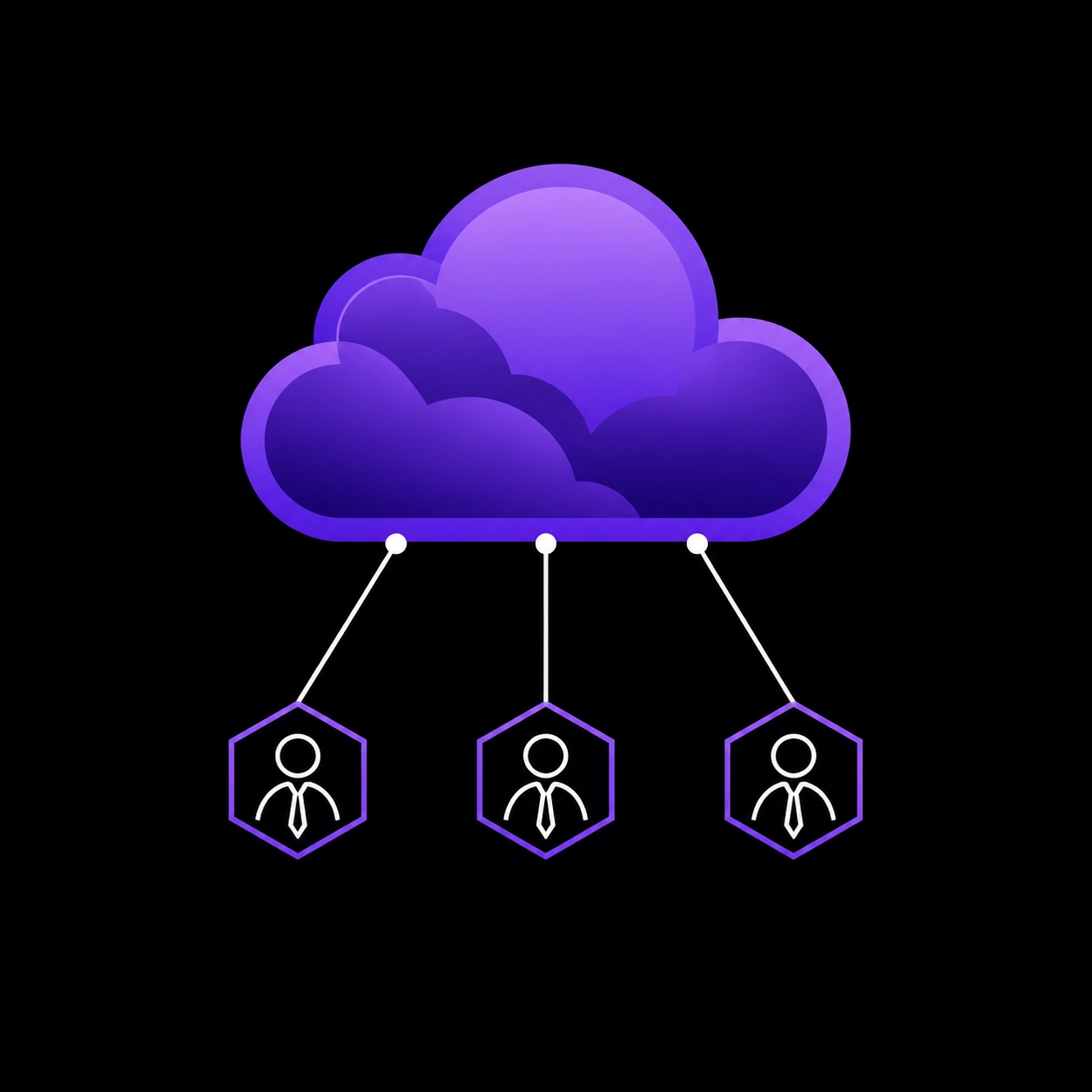
Digital cloud icon and connected nodes symbolizing cloud-based bookkeeping and outsourced financial services.

What is included in a standard bookkeeping fee?

When you pay a monthly fee to a professional firm, you are paying for more than just data entry. A standard service agreement usually includes:

  • Bank and Credit Card Reconciliation: Matching your software records to your actual bank statements to ensure every penny is accounted for.
  • Expense Categorization: Assigning every purchase to the correct "Chart of Accounts" category for tax purposes.
  • Financial Reporting: Providing a monthly Profit and Loss statement and a Balance Sheet.
  • Accounts Payable/Receivable: Tracking who you owe and who owes you (if on an accrual basis).
  • Software Management: Maintaining your QuickBooks or Xero subscription and ensuring integrations with apps like Shopify or Gusto are working.

At Books LA, we focus on providing these core services so you have "tax-ready" books at the end of every month. You can see how our clients feel about this level of support by reading our testimonials.

Why do Los Angeles rates differ from national averages?

Los Angeles is a high-cost-of-living area, which naturally elevates the price of professional services. However, there are also regulatory reasons for the price difference. California has specific payroll requirements, unique sales tax jurisdictions, and strict independent contractor laws (like AB5).

A bookkeeper based in a lower-cost state may not be familiar with the "Los Angeles City Business Tax" or the specific way "Uncategorized Expenses" need to be handled for California-based entities. An "Uncategorized Expense" is a transaction that has been downloaded into the accounting software but has not yet been assigned to a specific category like "Office Supplies" or "Rent." Local experts know the right questions to ask to keep your business compliant with state laws.


Important Tax Disclaimer

Books LA provides professional bookkeeping and administrative services. We do not provide income tax advice, tax planning, or tax filing services. We work closely with your CPA or tax preparer to ensure they have the accurate data they need to file your returns. We always recommend that you confirm your final tax positions with a licensed CPA.


About the Author

Jelena Arkula is the owner of Books LA, a premier bookkeeping firm based in Los Angeles. As a QuickBooks ProAdvisor with years of experience helping local businesses navigate their finances, Jelena focuses on providing clear, actionable financial data to business owners. Books LA specializes in cloud-based accounting solutions using tools like QuickBooks Online and Xero to help small businesses scale efficiently.


Frequently Asked Questions

1. Why is there a separate fee for bookkeeping cleanup?
Cleanup requires significantly more labor than monthly maintenance. A bookkeeper must research historical data, find missing documents, and correct previous errors to ensure your current books are accurate. It is a one-time intensive project that sets the foundation for recurring service.

2. Does the monthly fee include my software subscription?
This varies by firm. Some firms include the cost of QuickBooks Online or Xero in their monthly package, while others require the client to pay the software provider directly. Always ask if software costs are "pass-through" or bundled.

3. Do bookkeepers in Los Angeles handle my payroll tax filings?
Most bookkeepers manage the administrative side of payroll, such as ensuring employees are paid and data is synced to the general ledger. However, the actual tax filings are usually handled by a payroll processor like Gusto or ADP. Your bookkeeper ensures these systems talk to each other correctly.

4. How often should I receive financial reports?
At a minimum, you should receive a Profit and Loss statement and a Balance Sheet once a month. This typically happens after the month has ended and all bank statements have been reconciled.

5. Can a bookkeeper help me lower my taxes?
While a bookkeeper does not give tax advice, they help you lower your taxes by ensuring every legitimate business deduction is recorded. Without accurate bookkeeping, you might miss out on thousands of dollars in deductible expenses that your CPA won't know about.

6. What if my business has very few transactions?
For businesses with fewer than 15-20 transactions per month, you might look for a "quarterly" bookkeeping service or a very basic "Light" monthly plan. Many firms have a minimum monthly fee to cover the overhead of managing the account, regardless of how small it is.

7. Is it okay to use a bookkeeper located outside of Los Angeles?
Yes, since most modern bookkeeping is cloud-based. However, hiring a firm with a Los Angeles presence, like Books LA, ensures they understand local business taxes and the specific economic landscape of Southern California.

8. What is the difference between a bookkeeper and a CPA?
A bookkeeper handles the daily financial recording and monthly reconciliations. A CPA (Certified Public Accountant) typically handles high-level tax planning, audits, and filing your annual income tax returns. You need both for a healthy business.

Final Thoughts on Bookkeeping Costs

Understanding how much bookkeepers charge in Los Angeles is the first step toward professionalizing your business finances. While the cost may seem like an added expense, the time saved and the accuracy gained usually provide a significant return on investment. Accurate books prevent expensive tax-time surprises and give you the data you need to grow your company.

If you are ready to stop guessing about your numbers and want a clear picture of your financial health, we invite you to contact us for a brief consultation or to request a proposal. Let’s get your books in order so you can focus on running your business.

What Questions Should I Ask Before Hiring a Bookkeeper?

What Questions Should I Ask Before Hiring a Bookkeeper?

Last updated: May 9, 2026

TL;DR: The Short List for Small Business Owners

If you are in a hurry, these are the five most critical questions to ask:

  • Are you a certified QuickBooks ProAdvisor or Xero Certified Advisor?
  • Do you have experience in my specific industry?
  • What is the exact scope of your monthly services?
  • How do you handle data security and backups?
  • What is your preferred method and frequency of communication?

To hire the right bookkeeper, you must evaluate their technical proficiency, industry experience, and communication style. This guide is for small business owners who want to move beyond basic data entry and find a partner who provides financial clarity. You should ask about their certifications (like QuickBooks ProAdvisor), their process for reconciling accounts, and how they handle complex tasks like sales tax or payroll compliance.

What qualifications should a professional bookkeeper have?

A professional bookkeeper should hold certifications from the software providers they use most. Most modern firms specialize in cloud-based systems. You should ask if they are a QuickBooks ProAdvisor or a Xero Certified Advisor. These certifications prove the individual has passed rigorous testing on the platform's latest features.

Beyond software, check if they belong to professional organizations like the American Institute of Professional Bookkeepers (AIPB) or the Institute of Certified Bookkeepers (ICB). These memberships often require a commitment to continuing education and a specific code of ethics. While a degree in accounting is helpful, practical experience with the daily workflow of a business like yours is often more valuable for bookkeeping roles.

Minimalist purple certification badge representing professional bookkeeper credentials and expertise.

Which accounting software should they be proficient in?

You should ask which specific platforms the bookkeeper supports and why they prefer them. Most small businesses in Los Angeles benefit from cloud accounting. This allows both you and your bookkeeper to access the "ledger" in real time. A ledger is the primary record where all financial transactions are categorized and stored.

If you currently use a specific tool, ask about their level of expertise with it. If you are starting fresh, ask for their recommendation. A good bookkeeper will explain the pros and cons of QuickBooks Online versus Xero based on your transaction volume and integration needs. You can learn more about this in our step-by-step guide to setting up QuickBooks or Xero.

How much experience do they need in my industry?

Industry experience is vital because every sector has unique "chart of accounts" requirements. A chart of accounts is a categorized list of every place your money can go or come from. For example, a restaurant has very different bookkeeping needs compared to a digital marketing agency or a construction company.

Ask the candidate if they understand your specific revenue streams. Do they know how to handle inventory? Are they familiar with the specific sales tax rules for your location? If they have worked with similar businesses, they will likely spot errors faster and offer better insights into your "accrual basis" reporting. Accrual basis is an accounting method where you record income when it is earned and expenses when they are billed, rather than just when cash changes hands.

What services are included in the monthly bookkeeping fee?

You must get a clear, written list of deliverables. Many business owners assume a bookkeeper handles everything, but "bookkeeping" can mean many things. Ask if the monthly fee includes bank reconciliations, accounts payable, accounts receivable, and financial statement preparation.

A "bank reconciliation" is the process of matching your bank statement to the transactions recorded in your accounting software to ensure every penny is accounted for. You should also ask if they handle "compliance" tasks. At Books LA, we focus on bookkeeping-adjacent compliance like sales tax filings and payroll tax management. We do not provide income tax advice. We work closely with your CPA to ensure they have clean data for your tax returns. For more on how these processes work, see our post on navigating financial clarity.

How do they handle data security and privacy?

Your bookkeeper will have access to your bank accounts, credit card statements, and potentially employee social security numbers. You should ask about their internal security protocols. Do they use password managers? Do they require Two-Factor Authentication (2FA) on all financial accounts?

Inquire about where your data is stored. Cloud-based systems like QuickBooks and Xero are generally safer than keeping files on a local hard drive. Ask how they share documents with you. Using a secure portal is much safer than sending sensitive financial PDFs via unencrypted email.

A purple geometric padlock icon symbolizing secure data protection for small business financial records.

How will we communicate about my finances?

Miscommunication is the primary reason business owner and bookkeeper relationships fail. Ask how often you will meet to review your numbers. Will you have a monthly video call, or will they simply email you reports? You should also ask about their turnaround time for emails or phone calls.

Reliable bookkeepers provide a consistent schedule. For instance, you should know that your books will be "closed" by the 10th or 15th of the following month. Closing the books means all transactions for the prior month are finalized and the reports are locked. If you want to see how this impacts business growth, read about streamlining your financial processes.

What information do they need from me every month?

Bookkeeping is a partnership. You should ask what your "homework" will be. Most bookkeepers need access to your bank feeds and copies of your receipts. Ask if they use tools like Dext or Hubdoc to capture receipts digitally.

Using digital tools reduces the time you spend scanning and mailing documents. If a bookkeeper asks you to bring a shoebox of receipts to their office once a month, they may not be using the most efficient modern workflows. Efficient document management is key to a smooth relationship, as discussed in our guide to document and workflow management.

Example: The cost of DIY vs. Professional Bookkeeping

Consider a Los Angeles business owner named Sarah who runs a small retail shop. Sarah spends about 10 hours a month trying to reconcile her accounts and manage payroll. She values her time at $100 per hour, meaning her "DIY cost" is $1,000 per month.

Because Sarah is not a pro, she often makes mistakes in "categorization." This is the process of assigning a transaction to the correct expense account for tax purposes. At the end of the year, her CPA charges her an extra $1,500 to clean up the mess before filing taxes.

By hiring a professional bookkeeper for $500 a month, Sarah saves 120 hours a year and eliminates the cleanup fees from her CPA. She also gets monthly reports that show her exactly where she is overspending.

About the Author

Jelena Arkula is the owner of Books LA, a premier bookkeeping firm located in Los Angeles. She is a QuickBooks ProAdvisor and a Xero Certified Advisor with years of experience helping small businesses gain financial clarity. Jelena and her team specialize in cloud accounting, payroll management, and sales tax compliance.

IRS/Tax Disclaimer: Books LA provides bookkeeping and financial management services. We do not provide income tax advice or file income tax returns. We recommend that all clients work with a qualified CPA for income tax matters. We are happy to coordinate directly with your CPA to provide the clean financial data they need.

A purple bar chart showing upward growth and financial clarity through professional bookkeeping services.

Frequently Asked Questions

How much does a bookkeeper usually charge?
Fees vary based on transaction volume and complexity. Most professional bookkeepers charge a flat monthly fee ranging from $300 to $1,500 for small businesses.

Do I need a bookkeeper if I have QuickBooks?
QuickBooks is a tool, not a solution. Having the software does not mean the data is entered correctly. A bookkeeper ensures the software is configured properly and that your reports are accurate.

What is the difference between a bookkeeper and a CPA?
A bookkeeper handles the daily and monthly financial records. A CPA typically focuses on high-level tax planning, audits, and filing annual income tax returns.

Can a bookkeeper help me with my payroll?
Yes. Many bookkeepers, including Books LA, manage payroll processing and payroll tax compliance. This includes filing quarterly forms and ensuring employees are paid accurately.

How often should I hear from my bookkeeper?
At a minimum, you should receive financial reports once a month. Many business owners prefer bi-weekly updates or real-time access through cloud software.

What happens if my bookkeeper makes a mistake?
A professional should have Errors and Omissions (E&O) insurance. Ask how they handle corrections and if they charge extra to fix errors they caused.

Do I have to be in Los Angeles to work with Books LA?
While we are based in LA and love working with local businesses, cloud accounting allows us to serve clients anywhere in the United States.

How do I transition from my old bookkeeper to a new one?
The process usually involves a "read-only" access transfer of your accounting software. A good firm will have a transition checklist to ensure no data is lost. You can see our transition checklist here.

Conclusion: Finding the Right Partner

Hiring a bookkeeper is one of the most important decisions you will make for your business's financial health. By asking the right questions about qualifications, software, and communication, you ensure that you aren't just buying a service, but gaining a partner. Remember to look for certifications like QuickBooks ProAdvisor and to clarify the scope of work before signing a contract. Accurate books today lead to a much easier tax season and better business decisions tomorrow.

If you are ready to stop worrying about your ledgers and start focusing on your growth, we invite you to contact us at Books LA for a consultation.

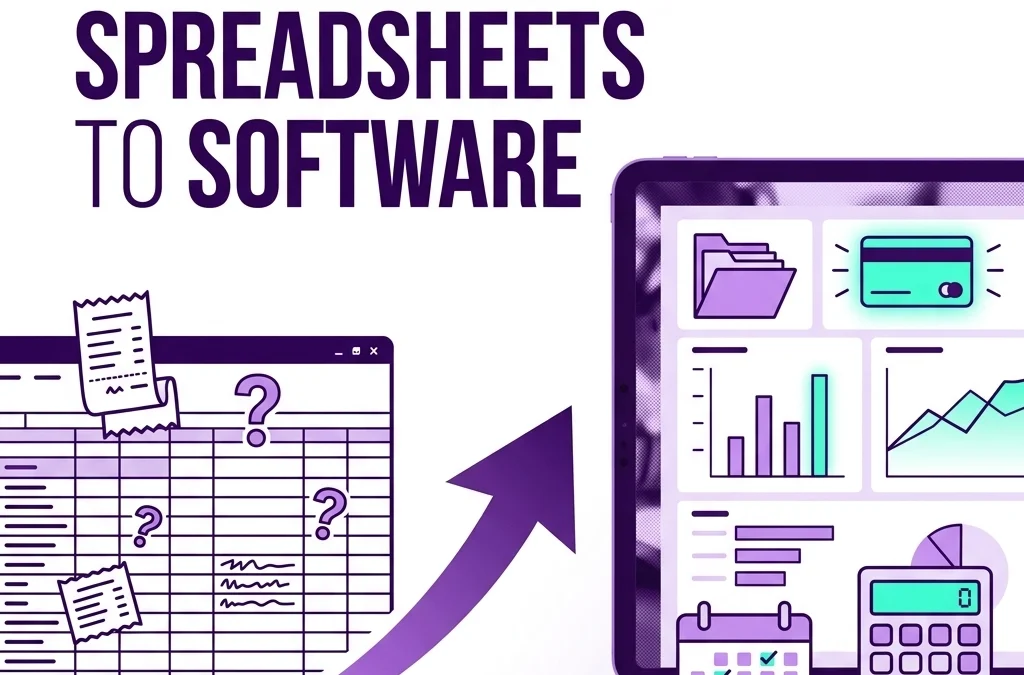
Why should I stop using a spreadsheet for my business bookkeeping?

Why should I stop using a spreadsheet for my business bookkeeping?

TL;DR

If you are still using a spreadsheet for business bookkeeping, it is probably costing you time, creating avoidable errors, and making it harder to see what is really happening in your business. This post is for small business owners and founders who want cleaner books, better reporting, and a simpler way to manage day-to-day bookkeeping with tools like QuickBooks Online or Xero.

  • Spreadsheets work for simple tracking, not reliable bookkeeping
  • Manual entry increases the risk of mistakes
  • Bookkeeping software saves time with automation
  • Cloud accounting makes collaboration easier
  • Audit trails improve accuracy and accountability
  • A switch is usually easiest at the start of a month or quarter

Last updated: May 6, 2026

You should stop using a spreadsheet for your business bookkeeping when your records need to be accurate, current, and easy to review. Spreadsheets are fine for simple lists, but they are not built for bank feeds, reconciliations, shared access, or dependable reporting. For most growing businesses, bookkeeping software saves time, reduces mistakes, and gives you a clearer view of cash flow, expenses, and unpaid invoices without so much manual work.

Author

Jelena Arkula
Owner, Books LA
Los Angeles, California
QuickBooks ProAdvisor | QuickBooks Online and Xero specialist


What are the risks of using Excel for accounting?

Most founders start with a spreadsheet because it feels familiar and free. That works for a very small number of transactions, but it usually breaks down once the business gets busier.

The biggest risk is manual error. One wrong formula, one pasted-over row, or one missed transaction can throw off your reports and leave you making decisions from bad numbers.

Spreadsheets also do not have built-in controls. They will not warn you when transactions are duplicated, uncategorized, or missing from your books.

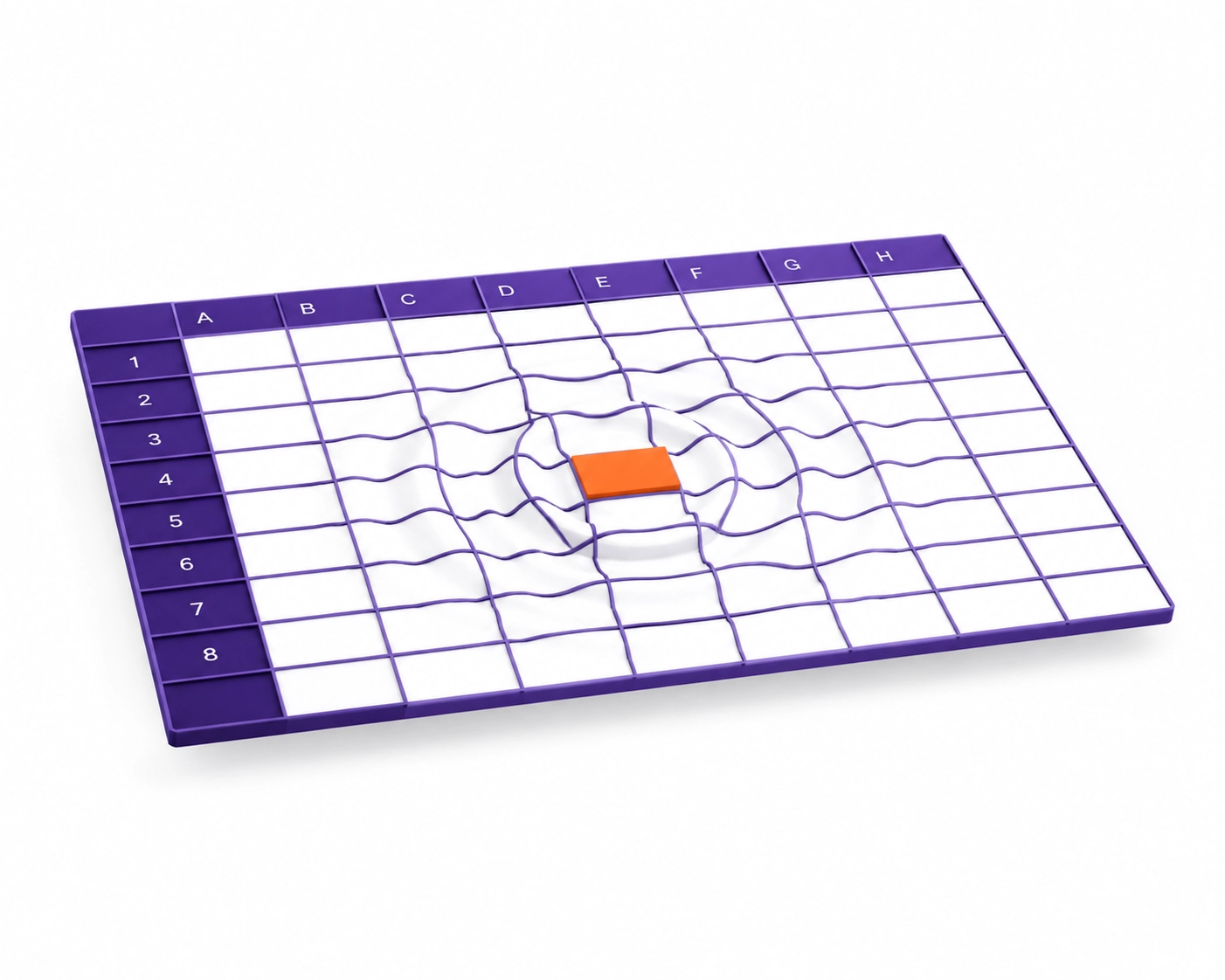
A digital bookkeeping spreadsheet grid showing an error ripple, illustrating manual data entry risks.

What does an audit trail mean in bookkeeping?

An audit trail is a record of what changed in your books, who changed it, and when it happened. Good bookkeeping software keeps that history automatically, which makes reviews, corrections, and oversight much easier.

How does QuickBooks save time compared to spreadsheets?

The main difference is automation. In a spreadsheet, you type in dates, vendors, amounts, and categories by hand. In QuickBooks Online or Xero, you can connect bank and credit card accounts so transactions flow in automatically.

That changes your job from data entry to review. Instead of building the books line by line, you review matches, confirm categories, and fix exceptions.

Software also handles routine tasks that spreadsheets do poorly:

  • Recurring invoices: bill clients on a schedule
  • Receipt capture: attach receipts to transactions from your phone
  • Bank reconciliation: compare your records to the bank activity and flag differences
  • Rules and suggested categories: reduce repeat coding work

Why is real-time visibility better than spreadsheet bookkeeping?

A spreadsheet is usually backward-looking. Many owners update it once a month, once a quarter, or right before tax time, so the numbers are already stale when they review them.

Bookkeeping software gives you a current view of cash, expenses, invoices, and bills. That makes it easier to make decisions while they still matter.

If you notice a spending problem in real time, you can fix it now. That is much more useful than finding out two months later.

What is cloud accounting?

Cloud accounting means your bookkeeping system is hosted online instead of living in one spreadsheet file on one computer. You and your bookkeeper can log in securely from different places, see the same live data, and work from one shared set of books.

Why is bookkeeping software easier to share with your bookkeeper or CPA?

Spreadsheets create version-control problems fast. Files get emailed around, saved under new names, and updated in different places, so nobody is fully sure which version is correct.

With bookkeeping service support inside cloud accounting software, each person can have their own login. Your bookkeeper can categorize transactions, your CPA can review reports, and you can still see the same live data.

That usually means less cleanup work at year-end. It also means fewer billable hours spent untangling spreadsheet errors before reports are ready for your CPA.

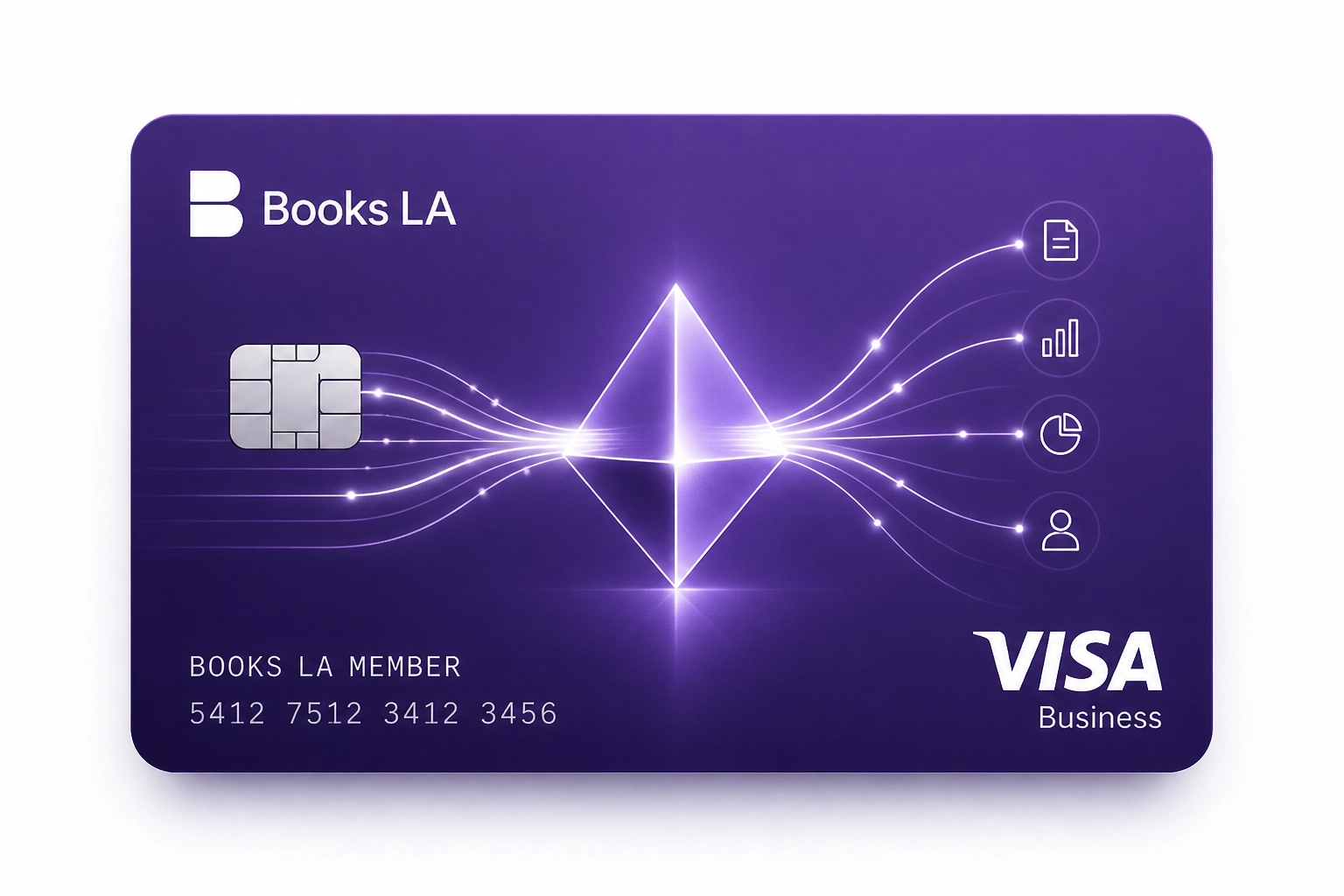
Automated data flow from a bank card into bookkeeping software for small business transactions.

What happens when your business outgrows a spreadsheet?

As your business grows, bookkeeping usually gets more complex. You may need better reporting, cleaner reconciliations, user permissions, payroll support, sales tax tracking, or multi-state records.

This is where spreadsheets start to become risky. They are not designed to scale with a team, and they do not give you the controls that proper bookkeeping software provides.

If you are hiring, growing, or dealing with more compliance tasks, software is usually the safer long-term system. For more on team-related workflows, see our guide on transforming payroll complexity.

Checklist: 5 Signs You've Outgrown Your Spreadsheet

  • You are spending more than an hour or two each month entering transactions manually
  • You are not reconciling your bank and credit card accounts consistently
  • You have multiple people touching the same file
  • You cannot see current cash flow, open invoices, or upcoming bills easily
  • Your CPA or tax preparer keeps asking for cleanup before filing

How much time can bookkeeping software actually save?

Here is a simple example for a small LA creative agency with 50 monthly bank transactions.

Spreadsheet method

  • Download bank activity: 10 minutes
  • Paste into the spreadsheet: 5 minutes
  • Categorize 50 rows manually: 30 minutes
  • Match receipts: 20 minutes
  • Check formulas and totals: 15 minutes
  • Total: 80 minutes

Software method

  • Bank feed imports transactions: 0 minutes
  • Match 40 known transactions: 5 minutes
  • Review 10 exceptions: 5 minutes
  • Auto-match receipts: 2 minutes
  • Review reconciliation: 1 minute
  • Total: 13 minutes

That is about 67 minutes saved in one month. Over a year, that is more than 13 hours, and the records are usually more accurate too.

A magnifying glass inspecting a secure audit trail within modern bookkeeping software.

What if you still like spreadsheets?

That is fine. Spreadsheets are still useful for budgeting, forecasting, and one-off analysis. The better setup is usually to keep your bookkeeping in software and export the numbers into a spreadsheet when you want to model scenarios.

How do you switch from a spreadsheet to bookkeeping software?

The cleanest time to switch is usually the start of a new month, quarter, or year. You choose a start date, enter opening balances, connect your bank feeds, and begin recording new activity in the software.

If your old spreadsheet has missing categories, duplicated entries, or unreconciled accounts, do a review before importing anything. In many cases, a bookkeeping cleanup service is the fastest way to make sure the new file starts clean.

What should you do this week if you are still using a spreadsheet?

  • Review how many transactions you enter manually each month
  • Check whether your bank accounts are actually reconciled
  • Make a list of reports you wish you had at a glance
  • Decide whether QuickBooks Online or Xero fits your workflow better
  • Pick a target start date for the move

Need help reviewing your setup? You can book a short call or request a bookkeeping review.

About the Author

Jelena Arkula is the owner of Books LA, a Los Angeles bookkeeping firm that helps small businesses and startups keep accurate, up-to-date books. She is a QuickBooks ProAdvisor and works with QuickBooks Online and Xero to support cleanup, monthly bookkeeping, and workflow setup for growing businesses.


IRS / Tax Disclaimer

Books LA provides bookkeeping and financial management services. We do not provide income tax advice, legal advice, or formal tax preparation. We work closely with our clients' CPAs on income tax matters, and readers should confirm income tax treatment with their CPA. For bookkeeping-adjacent compliance topics, we commonly help clients stay organized for payroll tax, sales tax, and business license requirements.


Frequently Asked Questions

Do I need to stop using spreadsheets completely?
No. Spreadsheets are still useful for budgeting, forecasting, and custom analysis. They are just not the best place to keep your main books.

When is a spreadsheet no longer good enough?
Usually when transaction volume grows, more than one person needs access, or reconciliations start getting skipped. If you cannot trust the numbers quickly, it is time to upgrade.

Is QuickBooks better than Excel for small business bookkeeping?
For ongoing bookkeeping, yes. QuickBooks is built for bank feeds, reconciliations, reporting, user access, and audit history in a way Excel is not.

What if my books are already messy?
That is common. Clean them up first or start fresh from a clear date, then move into software with the right opening balances.

Will software replace my bookkeeper?
No. Software reduces manual work, but someone still needs to review transactions, reconcile accounts, and keep the records accurate.

Is cloud accounting safe?
In most cases, yes. Good platforms use encryption, permissions, and security features that are generally safer than passing spreadsheet files around by email.

Conclusion

Yes, you should stop using a spreadsheet for your business bookkeeping once accuracy, visibility, and efficiency actually matter. Spreadsheets are helpful tools, but bookkeeping software is the better system for running a real business, saving time, and keeping your records clean enough for decision-making and CPA review.

Need help making the switch? You can book a short call with us here.

Related articles

Is free bookkeeping software actually good for small businesses?

Is free bookkeeping software actually good for small businesses?

TL;DR

  • Short answer: Free bookkeeping software can be good for very small businesses, but it is usually not good enough for a growing business.
  • Best fit: Solopreneurs, freelancers, and early-stage startups with simple books, low transaction volume, and no payroll.
  • Main trade-off: You save on subscription cost, but may lose time, reporting depth, integrations, and support.
  • When paid software wins: Once you have employees, sales tax complexity, multiple accounts, inventory, or lender reporting needs.
  • Best next step: Start simple if you need to, but review your setup before mistakes pile up.

Last updated: May 6, 2026

Free bookkeeping software can be a good short-term option for small businesses with simple finances, low transaction volume, and no payroll. For most growing businesses, though, the limits show up fast in weaker reporting, fewer integrations, and more manual work, which can cost more than a monthly subscription. This guide is for small business owners and startups who want a clear answer, plus a practical way to decide when free software is enough and when paid tools make more sense.

Why do small businesses start with free bookkeeping software?

When you are just getting started, keeping costs low matters. That is why many owners look for bookkeeping software for small business options that cost nothing upfront.

Platforms like Wave or basic free tiers from other providers can help you move out of spreadsheets and into a basic bookkeeping system. For a very small business, that is a real improvement.

A free tool can often give you:

  • Invoicing
  • Basic bank feeds
  • Expense tracking
  • A simple Profit and Loss report

If your business is just you, a laptop, and a few clients, that may be enough for now.

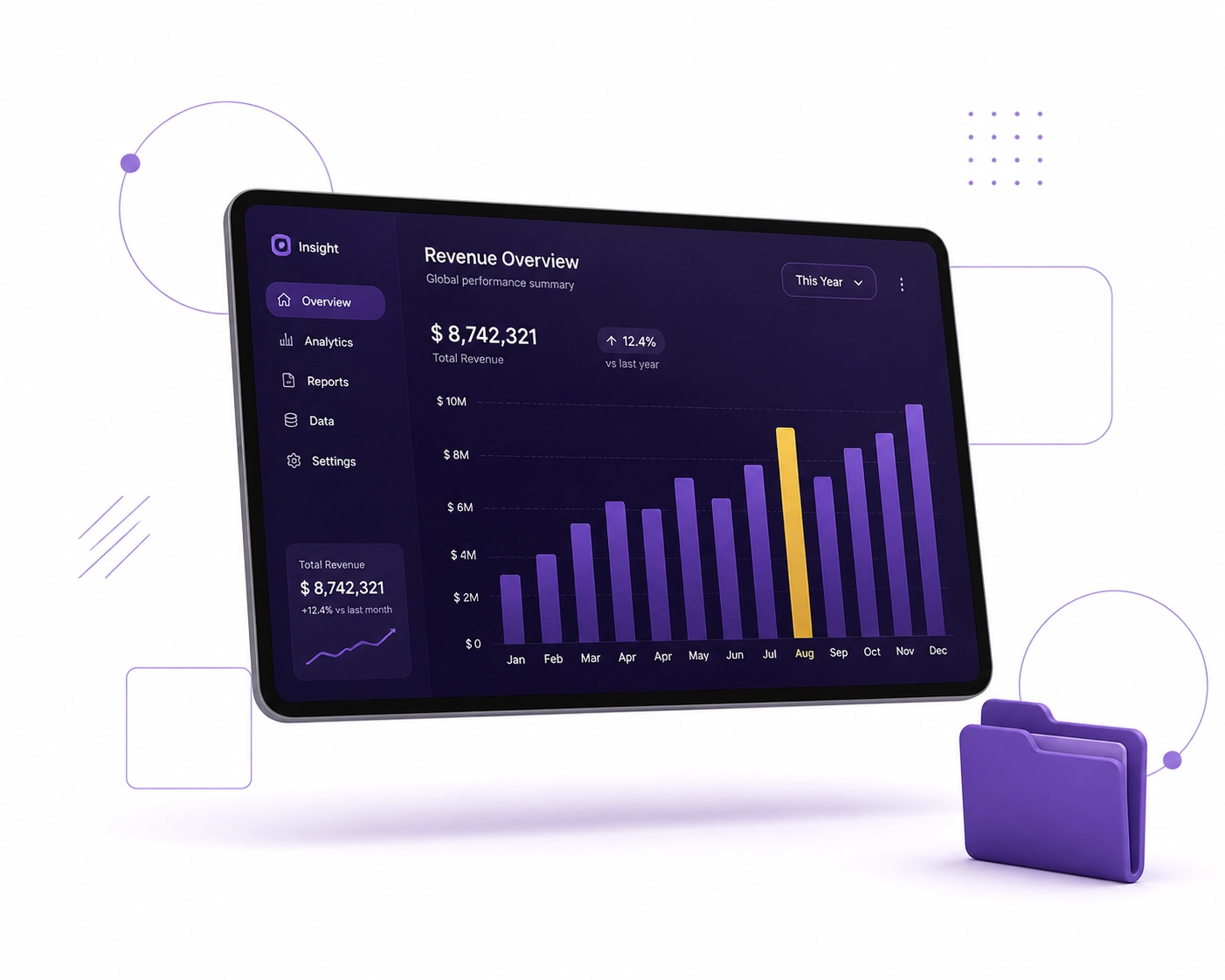
Tablet showing a purple financial bar chart representing basic reporting in free bookkeeping software.

What do you actually get with free bookkeeping software?

Most free bookkeeping tools focus on the basics. You can usually record income and expenses, send invoices, and view simple reports.

That works well when your books are straightforward. It gets less useful when your business needs cleaner controls or more detailed reporting.

Many free products also follow a different business model. Instead of charging a monthly fee, they may earn revenue through payment processing, payroll add-ons, or limited access to higher-tier features.

What are the hidden costs of free accounting software?

The biggest hidden cost is usually time. Free software may save you a subscription fee, but it can create more manual work around categorizing transactions, fixing sync issues, and exporting reports.

Support is another cost. If something breaks, you may not get fast help, which matters when you need numbers for a lender, your CPA, or payroll.

There is also the cost of missing features. Premium features are advanced tools that are locked behind a paid plan, such as stronger reporting, user permissions, workflow automation, or app integrations.

What does that cost look like in real life?

Let’s use a simple example. If a founder spends 5 hours a month fixing bank feed issues and searching forum threads, and their time is worth $150 an hour, that is $750 a month in lost time.

A paid subscription that costs far less may be the better value. This is one reason free software often stops being "free" as the business grows.

Which free bookkeeping tools are best for startups?

For early-stage startups, the best free tool is usually the one that matches the business model and keeps records clean. In practice, owners often compare tools like Wave and other entry-level options based on invoicing, bank feeds, and ease of use.

A good startup fit usually has:

  • Clean invoice creation
  • Reliable bank connections
  • Easy expense categorization
  • Basic financial reports
  • A reasonable upgrade path

The important point is not just the starting price. It is whether the system can still work once the business gets more active.

Free vs. paid bookkeeping software: what features are different?

Here is a practical side-by-side view.

Feature Free Software Paid Software
Monthly cost Usually $0 base plan Usually monthly subscription
Income and expense tracking Basic More detailed and customizable
Invoicing Often included Included, usually with more controls
Bank feeds Sometimes limited or less reliable Usually stronger and better supported
Reporting Basic P&L and balance sheet Custom reports, class tracking, job or department views
Audit trail Often limited Usually strong change tracking
Integrations Fewer options Broader app ecosystem
User permissions Often minimal More robust access controls
Customer support Limited Better support options
Payroll and tax workflows Often add-on or limited Better support for payroll workflows and compliance tasks

Why do growing businesses outgrow free tools?

Growth adds complexity. Once you have payroll, multiple bank or credit card accounts, inventory, loans, or project tracking, the limits of free tools become more obvious.

You may also need cleaner internal controls. An audit trail is the record of who changed a transaction, what changed, and when it changed, and that matters when you need to review mistakes or prepare for outside review.

If your reports are incomplete or hard to trust, decision-making gets harder. That can affect pricing, hiring, cash flow planning, and financing.

What happens when you need to move from free software to paid software?

Most businesses can switch, but the move is not always clean. Data migration means transferring your financial information from one system to another, usually through imports, exports, mapping, and review.

If the original books were inconsistent, the move can carry errors into the new file. That is why a bookkeeping cleanup service is often part of the process before or after migration.

A typical move may include:

  • Reviewing chart of accounts
  • Cleaning uncategorized transactions
  • Matching bank balances
  • Rebuilding opening balances
  • Testing reports after import

This is where many DIY setups hit a wall. The software switch itself is not always the hard part. Cleaning the data usually is.

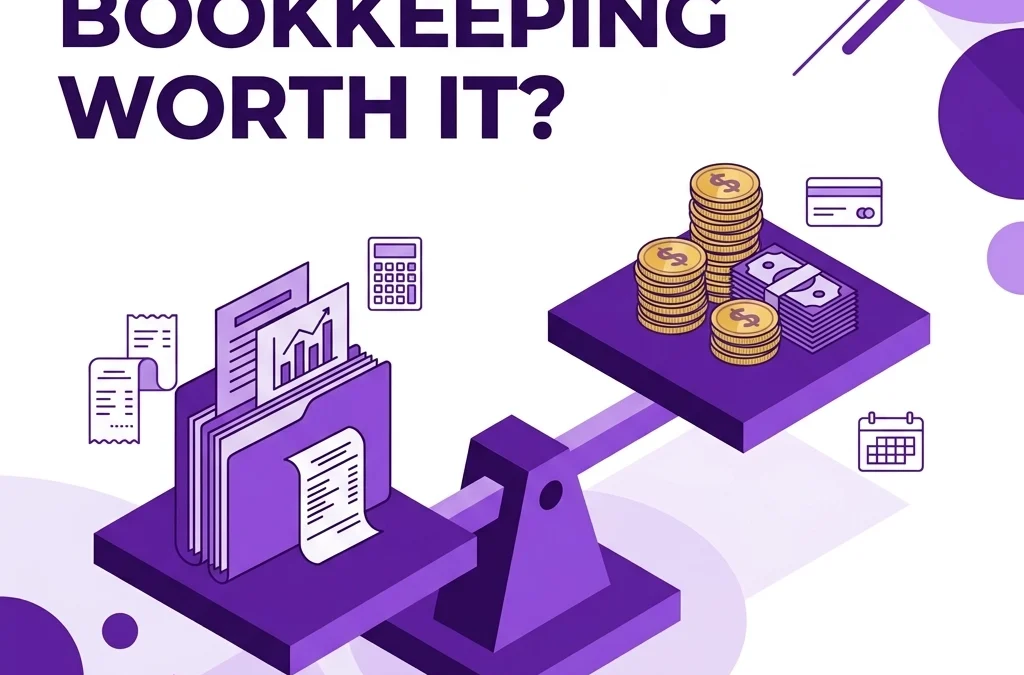
Purple hourglass and gold coin illustrating the value of time when choosing bookkeeping software.

When should a small business pay for bookkeeping software?

A business should usually consider paid software when any of the following becomes true:

  1. You hire employees or start running payroll.
  2. You need better reports for investors, lenders, or management.
  3. You manage sales tax in more than a simple way.
  4. You use several apps that need to sync.
  5. You keep finding miscoded items or uncategorized transactions.
  6. Your CPA is spending too much time fixing your books.

That does not always mean you need enterprise software. It usually just means your bookkeeping needs a more reliable foundation.

Is software enough, or do you also need a bookkeeper?

Software helps organize data, but it does not replace judgment. A bookkeeper makes sure transactions are categorized correctly, reconciliations are completed, and reports make sense.

That matters for sales tax, payroll workflows, and business-license-related recordkeeping. We do not provide income tax advice, but we do work with CPAs on income tax matters, and you should confirm tax decisions with your CPA.

At Books LA, we often help businesses move from a basic setup into a cleaner QuickBooks Online or Xero workflow. If the books are messy, a bookkeeping cleanup service is often the first step.

Magnifying glass over a rising line graph representing financial clarity and professional bookkeeping.

What should you do today, this week, and this month?

Today

  • Check whether your software matches your actual business complexity.
  • Look at your uncategorized transactions and duplicate entries.

This week

  • Review whether you need payroll, sales tax tracking, or stronger reports.
  • Compare the real time cost of DIY work against a paid tool.

This month

  • Decide whether to stay on a free platform, upgrade software, or get outside bookkeeping help.
  • If you plan to switch platforms, clean the data before moving it.

Conclusion: is free bookkeeping software actually good for small businesses?

Yes, free bookkeeping software can be good for small businesses with very simple books. No, it is usually not the best long-term option for a business that is growing or needs dependable reporting, better controls, and less manual work.

If your books are still simple, free software may be enough for now. If your business is getting more complex, a paid system and consistent bookkeeping support usually save time and reduce mistakes.

If you want a second opinion on your setup, you can contact us for a quick bookkeeping review.


Author Box

Jelena Arkula is the Owner of Books LA, based in Los Angeles. She is a QuickBooks ProAdvisor and works with small businesses and startups on QuickBooks Online, Xero, cleanup projects, and ongoing bookkeeping services. A practical rule of thumb we use: free software can work early on, but once payroll, multiple accounts, or messy categorization show up, it is time to review the setup.

Disclaimer: Books LA does not provide income tax advice. We work with CPAs for income tax matters. Please confirm all tax related decisions with your CPA.


Frequently Asked Questions

Is free bookkeeping software actually good enough for a small business?
Yes, if the business is very simple. Usually no, if you have payroll, multiple accounts, sales tax complexity, or reporting needs.

Which free bookkeeping tool is best for a startup?
The best one is the one that keeps your records clean and is easy to upgrade from later. Look at invoicing, bank feeds, reporting, and support before choosing.

Can I switch from free software to QuickBooks or Xero later?
Yes. But the transfer may require cleanup if transactions were miscategorized or accounts were not reconciled properly.

What are premium features in bookkeeping software?
Premium features are paid tools not included in the free version. They often include better reports, stronger permissions, automation, and app integrations.

Does free software handle sales tax and payroll taxes well?
Usually only at a basic level. If your setup is more complex, confirm requirements with your CPA and payroll provider.

Is a spreadsheet better than free bookkeeping software?
Usually not. A bookkeeping tool with bank feeds and reports is generally better than a spreadsheet for ongoing recordkeeping.

How do I find the best bookkeeping services near me in Los Angeles?

How do I find the best bookkeeping services near me in Los Angeles?

TL;DR

  • Look for local LA experience first. The best bookkeeping service for your business is one that understands Los Angeles and California rules, works cleanly in QuickBooks Online or Xero, and can explain its process in plain English.
  • Ask about compliance, cleanup, and monthly reporting. A strong local bookkeeper should know payroll basics, sales tax workflows, City of LA business tax requirements, and how to keep your books ready for your CPA.
  • Check credentials and fit. Look for a QuickBooks ProAdvisor, clear communication, industry experience, and a review process that catches errors before month-end reports go out.
  • Use a short vetting checklist. Below, you'll find what to look for, which questions to ask, and how to compare local options without overcomplicating it.

Last updated: May 6, 2026

If you want the best bookkeeping services near you in Los Angeles, choose a bookkeeper who knows LA and California requirements, works confidently in QuickBooks Online or Xero, communicates clearly, and can show a consistent monthly process for reconciliations, reporting, and cleanup. This guide is for LA small business owners and startups, and it covers what local expertise actually means, what to ask before hiring, and how to compare providers without wasting time.


Meet the Author: Jelena Arkula

Owner, Books LA
Jelena Arkula is based in Los Angeles and works with small businesses and startups that need clean, accurate books. She is a QuickBooks ProAdvisor and works in QuickBooks Online (QBO) and Xero, helping clients with monthly bookkeeping, cleanup projects, document workflows, payroll support, and CPA-ready financials. Her practical rule of thumb: if a bookkeeper cannot explain your monthly close process and local filing calendar clearly, keep looking.


Why is local LA bookkeeping expertise important?

In cloud accounting, you can hire a bookkeeper from almost anywhere. But for many LA businesses, local knowledge still matters because bookkeeping is not just data entry. It is also about setting up clean records that reflect how your business actually operates in California and Los Angeles.

Local LA expertise means your bookkeeper is familiar with common state and city requirements, local registration issues, payroll workflows, and the pace of doing business here. It also means they are more likely to understand the vendor patterns, industry norms, and reporting questions that come up for businesses across LA.

What does "local compliance" mean for an LA business?

Local compliance means keeping your bookkeeping records aligned with the state and local rules that affect your business operations. In practice, that can include payroll records, sales tax tracking, business license renewals, and making sure your books support what gets filed with agencies and your CPA.

For LA businesses, this often includes California payroll requirements, CDTFA sales tax processes, and the Los Angeles City Business Tax renewal. We do not provide income tax advice, but we do help maintain records that support these bookkeeping-adjacent compliance areas and coordinate with your CPA for income tax matters.

Map pin on California outline with a calculator showing local bookkeeping services for LA business compliance.

What should I look for in a local bookkeeper?

Start with the basics: accuracy, responsiveness, and a clear monthly process. Your bookkeeper should be able to explain how they reconcile bank and credit card accounts, review uncategorized transactions, manage accounts payable and receivable, and deliver monthly financial reports.

Then look at local fit. A strong LA bookkeeper should understand California payroll basics, sales tax workflows where relevant, and the City of LA business tax renewal process. They should also be comfortable working with your CPA and know where bookkeeping stops and income tax advice begins.

Why do California and Los Angeles rules matter so much?

California is one of the more complex environments for small business recordkeeping. Even when a bookkeeper is not filing every item directly, they still need to maintain books that support payroll, sales tax, licensing, and year-end tax prep.

For example, payroll records need to line up with state reporting and wage rules. Sales tax setup needs to reflect the right taxable categories and location details. City-level requirements, like the Los Angeles City Business Tax renewal, should not come as a surprise at the last minute.

What is Nexus, and when is it relevant for LA businesses?

Nexus is the connection your business has to a state or local jurisdiction that can trigger tax or filing obligations. For many small businesses, the most common example is sales tax nexus, which can arise because of where you operate, where you store inventory, or where you make enough sales.

If you are an LA business selling products in California or across state lines, nexus may matter to how your sales are tracked and how your records are organized. We do not provide income tax advice, and taxability can be fact-specific, so confirm nexus questions with your CPA or sales tax specialist. From the bookkeeping side, the goal is to keep your records clean enough to support the right filing decisions.

Why does industry experience matter in Los Angeles?

Los Angeles businesses do not all operate the same way. A creative agency, contractor, ecommerce seller, and consulting firm can all need different workflows, reports, and chart of accounts structures.

A local bookkeeper with relevant industry experience can usually spot issues faster. They may already know how to track job costs, separate owner draws from business spending, or set up classes and locations in QBO for multi-site reporting.

For example, if you are looking for bookkeeping services for small business, a local provider can often give better guidance on reporting structure, recurring expenses, and month-end review based on what similar LA businesses actually need.

Growth chart with industry icons representing bookkeeping services for LA tech, retail, and film startups.

What does a local bookkeeping cleanup usually include?

Many business owners start looking for a local bookkeeper after months, or even years, of inconsistent records. That is common. A cleanup project usually focuses on getting your books accurate before moving into a steady monthly process.

A local bookkeeping cleanup service often includes:

  • Reconciling bank and credit card accounts so balances match actual statements.
  • Fixing uncategorized or miscategorized transactions so reports make sense.
  • Correcting payroll and liability entries where prior posting was inconsistent.
  • Reviewing sales tax-related accounts so your books better support filings and discussions with your CPA.
  • Cleaning up accounts receivable and payable so you can trust who owes what.

Once cleanup is complete, a recurring monthly bookkeeping package helps keep the books current and reviewable.

What does a good local bookkeeper process look like month to month?

The best local bookkeepers do not just log transactions. They follow a repeatable monthly close process that includes reconciliations, review, questions, and reporting.

A solid monthly process usually includes:

  • Bank and credit card reconciliations
  • Review of unusual transactions
  • AP and AR updates, if included
  • Payroll entry review
  • Month-end financial statements
  • A short list of questions or action items for the owner

That process matters more than a polished sales pitch. If a provider cannot explain how they close a month, review accuracy, and communicate open items, that is a red flag.

7 Questions to Ask a Local LA Bookkeeper

Use this checklist when comparing providers:

  1. What does your monthly close process include?
  2. How do you handle bookkeeping cleanup if my books are behind?
  3. Are you a QuickBooks ProAdvisor, and do you also work in Xero if needed?
  4. What Los Angeles or California compliance items do you usually help clients track?
  5. How do you coordinate with my CPA for year-end income tax work?
  6. What reports will I receive each month, and when will I get them?
  7. What access do you need from me to get started?

Practical example: what local expertise looks like in real life

Imagine a small coffee shop in Venice opening a second location in Culver City. The owner needs clear reporting by location, up-to-date books, and a better view of margins before hiring more staff.

A local LA bookkeeper might set up class or location tracking in QuickBooks Online, separate startup costs from operating expenses, and make sure the records support city registration and sales tax tracking. If monthly revenue is $85,000 across both locations and one store shows a 9% profit margin while the other is at 2%, that reporting helps the owner decide where pricing, staffing, or vendor costs need review.

How should I compare local bookkeeping services without overcomplicating it?

Keep your comparison simple. Look at process, software fit, communication, local knowledge, and whether the provider can explain your books clearly.

A good short list looks like this:

  • They work in QBO or Xero confidently
  • They can describe their cleanup and monthly close process
  • They understand LA and California bookkeeping issues
  • They communicate clearly and on schedule
  • They collaborate with your CPA instead of replacing one

What should I know about income tax advice and CPA coordination?

At Books LA, we focus on bookkeeping. We do not provide income tax advice.

We work with CPAs on income tax matters and keep the books organized so your CPA has accurate reports to work from. For anything involving income tax strategy, entity tax treatment, or final tax positions, confirm with your CPA.

If you want a local team to review your books, you can contact us for a short bookkeeping review.


FAQ: Common Questions About Finding Bookkeeping Services Near Me in Los Angeles

Do I really need a local LA bookkeeper if everything is online?
Not always, but local knowledge can help. For many LA businesses, it is useful to work with someone who understands California workflows, city requirements, and local business norms.

How do I know if a bookkeeper is actually qualified?
Ask about experience, monthly process, software expertise, and whether they are a QuickBooks ProAdvisor. Also ask how they review work for accuracy.

Is a local bookkeeper more expensive?
Sometimes, yes. But the better question is whether the service is accurate, responsive, and useful. Cheap bookkeeping can get expensive if the books need major cleanup later.

Can you help if my books are months behind?
Yes. Cleanup work is common. The first step is usually reviewing your current books, statements, payroll setup, and any missing periods.

What software should my local bookkeeper know?
For most small businesses, QuickBooks Online is the most common. Xero can also be a good fit. What matters is that your bookkeeper knows the system well enough to keep it accurate.

Will my bookkeeper handle income taxes too?
Usually not. Bookkeepers and CPAs often work together. We handle bookkeeping and coordinate with CPAs for income tax matters.

Conclusion: How do I find the best bookkeeping services near me in Los Angeles?

Find a local LA bookkeeping service that can explain its process clearly, keeps accurate monthly books, understands California and Los Angeles requirements, and works well with your CPA. In most cases, the best fit is not the cheapest option or the closest office, but the provider that combines local knowledge, reliable systems, and clear communication.

Where can I find experienced bookkeepers for my small business?

Where can I find experienced bookkeepers for my small business?

Last updated: May 6, 2026

TL;DR;

  • Start with the QuickBooks ProAdvisor directory, Xero advisor listings, CPA referrals, and dedicated bookkeeping firms.
  • Compare freelance marketplaces like Upwork against specialized bookkeeping firms before you decide.
  • Look for experience with your industry, monthly close process, and reporting needs.
  • Ask how they handle document collection, reconciliations, communication, and cleanup work.
  • Prefer cloud-based, paperless workflows using QuickBooks Online or Xero.
  • Watch for red flags like vague answers, no onboarding plan, and unclear review procedures.

You can find experienced bookkeepers for your small business through the QuickBooks ProAdvisor directory, Xero advisor listings, referrals from your CPA, trusted industry contacts, freelance platforms like Upwork, and dedicated bookkeeping firms. This guide is for small business owners who want a reliable bookkeeper with real experience, and it covers where to look, how to vet candidates, what terms mean, and how freelance platforms compare with firms.

Why does industry experience matter when hiring a bookkeeper?

A bookkeeper who is excellent with a retail business may not be the right fit for a construction company or a startup. Industry experience affects how transactions are categorized, how reports are built, and which details get reviewed each month.

For construction businesses, that can include progress billing, job costing, lien waivers, and tracking labor by project. If those items are handled poorly, your margins can look wrong even when revenue is strong. You can learn more about how we support specialized needs on our services page.

For startups, the focus is often burn rate, runway, software subscriptions, contractor payments, and investor-ready reporting. A startup-focused bookkeeper should know how to organize the chart of accounts clearly and keep the books ready for review. They may also help track records your CPA needs for income tax work, but we do not provide income tax advice.

Purple crane and rocket icons representing specialized bookkeeping for construction and tech startups.

How do I vet a bookkeeper's experience?

Start by asking about certifications, software, process, and industry background. A strong candidate should be able to explain their monthly workflow in plain language, including reconciliations, review steps, and how they fix errors.

A bookkeeping certification is proof that someone completed training or passed an exam tied to bookkeeping standards or software knowledge. Common examples include QuickBooks ProAdvisor status, Xero advisor certifications, and bookkeeping credentials from recognized training organizations.

A vetted professional is a bookkeeper who has already been screened for things like experience, identity, references, and software skill by a platform, firm, or referral source. That does not guarantee a perfect fit, but it usually means you are not starting from zero.

Here are a few questions worth asking:

  1. How do you collect documents each month?
  2. How do you reconcile bank and credit card accounts?
  3. What reports do you deliver, and when?
  4. How do you handle mistakes or uncategorized transactions?
  5. Who covers the work if you are unavailable?

Reliability also means there is a backup plan. If you hire one freelancer and they disappear for two weeks, your books can stall. That is one reason many growing businesses prefer a firm structure. You can see how our team approaches this on our about page.

Why do paperless and cloud-based workflows matter?

In most cases, you should avoid a bookkeeping setup that depends on paper files, desktop-only software, or emailed spreadsheets. Cloud systems are easier to review, easier to share with your CPA, and easier to maintain when your business grows.

A modern bookkeeper may use tools like Dext or Hubdoc to collect statements, bills, and receipts. That keeps support documents attached to the transaction record instead of buried in email folders.

QuickBooks Online and Xero also let you and your bookkeeper review the same live data. That helps with faster questions, cleaner month-end close, and fewer version-control problems. If you want to see the kinds of tools that support this workflow, visit our guide on add-ons and apps.

What are the best websites to find a bookkeeper?

There is no single best source for every business. The right place depends on your budget, the complexity of your books, and whether you want one person or a team.

What can I find in the QuickBooks ProAdvisor directory?

The QuickBooks ProAdvisor directory is one of the best places to start if you use QuickBooks Online. It helps you find bookkeepers who have completed Intuit training and can usually be filtered by location, services, and industry focus.

What can I find in Xero advisor listings?

If your business runs on Xero, the Xero advisor directory is the obvious place to look. It helps you find professionals who already work inside that system and understand its workflow.

Should I ask my CPA or business network for referrals?

Yes, especially if your CPA already sees books from businesses like yours. A CPA referral is often useful because the CPA already knows which bookkeepers send clean financials and respond on time.

Are freelance marketplaces like Upwork a good option?

Upwork and similar platforms can work well for basic bookkeeping, short-term cleanup, or businesses with a tight budget. The upside is flexibility and a large pool of candidates. The downside is that quality varies, and you usually need to spend more time vetting process, experience, and follow-through yourself.

Are dedicated bookkeeping firms better than Upwork?

Dedicated firms are often a better fit when you want consistency, review layers, and backup coverage. A firm usually has documented workflows, clearer onboarding, and more stable communication than a solo freelancer marketplace arrangement.

Here is a simple comparison:

Option Best for Main advantage Main tradeoff
Upwork or freelance marketplaces Small budgets, project-based work, simple books Flexibility and lower upfront cost More vetting required, less backup coverage
Dedicated bookkeeping firms Ongoing monthly bookkeeping, growing businesses, cleanup projects Team support, standard process, reliability Usually costs more than a solo freelancer
CPA or industry referrals Businesses needing trusted referrals Higher trust and better fit potential Smaller candidate pool
Software directories QBO or Xero users Easier software matching You still need to interview carefully

If you want a team-based option, you can review our pricing and packages.

A single purple cube highlighting the search for an experienced bookkeeper that fits your small business.

What red flags should I watch for during the search?

Some candidates look fine on paper but still are not a good fit. In bookkeeping, weak process usually shows up before weak results do.

Watch for these red flags:

  • Outdated workflow: They rely on paper files, desktop-only systems, or manual spreadsheets for everything.
  • No curiosity about your business: They ask for bank access but nothing about how you make money.
  • No clear onboarding process: They cannot explain the first 30 days or what they need from you.
  • Vague review steps: They do not explain who checks reconciliations or how issues are resolved.
  • Slow communication: It takes days to get simple answers before you have even hired them.

If there is no clear intake process, the handoff will usually be rough. You can see how a structured handoff works on our intake process page.

A note on tax compliance

It is important to distinguish between bookkeeping and income tax preparation. While we handle the day to day financial tracking, sales tax compliance, and payroll tax management, we do not provide income tax advice. We work closely with CPAs to ensure your books are ready for tax season. You should always confirm specific tax strategies with your CPA. Our focus is on providing the clean, accurate data your CPA needs to do their job effectively.

Purple magnifying glass over digital folders showing clean bookkeeping data for CPA tax readiness.

About the Author: Jelena Arkula

Jelena Arkula is the Owner of Books LA, a Los Angeles bookkeeping firm that supports small businesses and startups across the US. She works with cloud-based systems including QuickBooks Online and Xero, and Books LA maintains QuickBooks ProAdvisor status. Our team helps clients with monthly bookkeeping, cleanup work, AP, AR, payroll support, and paperless workflow setup.


Next Action Step: If you want a second opinion on your bookkeeping setup, you can book a short call or request a bookkeeping review.


Conclusion

If you are asking where to find experienced bookkeepers for your small business, start with QuickBooks ProAdvisor listings, Xero advisor directories, CPA referrals, industry contacts, and dedicated bookkeeping firms. Freelance platforms like Upwork can work for some businesses, but they usually require more hands-on vetting.

The best choice is the one that matches your software, industry, reporting needs, and communication style. This week, make a shortlist of three candidates, ask about their monthly process, and compare how clearly they explain the work.

FAQ: Hiring a Bookkeeper for Your Small Business

Where should I look first for an experienced bookkeeper?
Start with the QuickBooks ProAdvisor directory, Xero advisor listings, your CPA, and bookkeeping firms that already work with small businesses like yours.

Is Upwork a bad place to hire a bookkeeper?
Not always. It can be fine for simple books or short projects, but you need to vet candidates more carefully than you would with a dedicated firm.

What does "vetted professional" mean?
It usually means the person has already been screened for identity, experience, references, or software skills by a platform, firm, or referral partner.

What is a bookkeeping certification?
It is a credential that shows training or tested knowledge in bookkeeping or accounting software. QuickBooks ProAdvisor is one common example.

How much should I expect to pay?
Monthly bookkeeping often ranges from a few hundred dollars to well over $1,500, depending on volume, cleanup needs, payroll, and reporting complexity.

Do you give tax advice too?
No. We do not provide income tax advice. We work with CPAs on income tax matters, and you should confirm tax positions and strategy with your CPA.

How do I hire a professional bookkeeper online without getting overwhelmed?

How do I hire a professional bookkeeper online without getting overwhelmed?

TL;DR

  • Start with a clear scope: monthly bookkeeping, cleanup, payroll, AP/AR, or reporting.
  • Choose a bookkeeper with verified QuickBooks Online or Xero experience.
  • Ask about security, communication, month-end close, and turnaround time.
  • Make sure pricing, deliverables, and software access are clear before you hire.
  • If your books are behind, ask whether cleanup is needed before ongoing service begins.

Last updated: May 6, 2026

To hire a professional bookkeeper online without getting overwhelmed, start by defining exactly what help you need, then narrow your search to bookkeepers with proven experience in your software and business type. For small business owners and startup founders, the easiest path is to compare process, communication, security, and reporting before making a decision. This post covers the steps, red flags, key terms, and a practical checklist you can use to hire with confidence.

Virtual bookkeeping means bookkeeping done remotely using online tools instead of meeting in person at a local office. A cloud-based workflow means your bookkeeping runs through secure online systems like QuickBooks Online, Xero, shared document portals, and bank feeds, so records stay accessible, current, and easier to review.

What steps should I take to hire an online bookkeeper?

When you are hiring remotely, the goal is not just finding someone available. The goal is finding someone who can keep your books accurate, communicate clearly, and work well inside your current systems.

Should I define the scope before I start searching?

Yes. Before you contact anyone, decide whether you need monthly bookkeeping, cleanup, payroll support, accounts payable, accounts receivable, or reporting help.

That scope affects price, timeline, and who is actually qualified. It also helps the bookkeeper tell you whether your books need catch-up work before monthly service begins.

What qualifications should I look for first?

Start with software expertise and professional credentials. If you use QuickBooks Online, look for a QuickBooks ProAdvisor. If you use Xero, look for a Xero-certified advisor.

These certifications do not guarantee a perfect fit, but they are a strong signal that the person understands the platform and common bookkeeping workflows. That matters when bank feeds break, reconciliations go off, or reports need to be cleaned up.

Does industry experience matter?

Usually, yes. A bookkeeper who understands your business model will ask better questions and make fewer setup mistakes.

For example, a service business, an e-commerce company, and a construction company all have different reporting needs. Ask whether they have worked with businesses that look like yours in size, revenue flow, and operations.

A professional certification badge representing a vetted and certified online bookkeeper.

Where should I look for a professional bookkeeper online?

Finding a qualified bookkeeper gets easier when you search in places where credentials are visible. General freelance sites can work, but specialized directories usually give you better filters and more reliable signals.

  1. QuickBooks Find-a-ProAdvisor Directory: Useful if you want a certified QuickBooks professional and want to filter by location, services, or industry.
  2. Xero Advisor Directory: Helpful if your business runs on Xero and you want someone already trained in that system.
  3. Professional bookkeeping and accounting firms: Firms like Books LA offer virtual bookkeeping, which means remote bookkeeping support with shared tools, structured workflows, and team oversight.
  4. LinkedIn: A good place to verify work history, certifications, and whether someone clearly explains what they do.

What information should I prepare before I talk to candidates?

Before you post a job or hop on a call, get the basics organized. This makes the conversation faster and helps the bookkeeper tell you what is included, what is not, and what bookkeeping services cost.

  • Software: Are you using QuickBooks Online, Xero, or something else?
  • Transaction volume: About how many bank and credit card transactions do you have each month?
  • Payroll: Do you have employees, contractors, or both?
  • Accounts payable and receivable: Do you need help paying bills or sending invoices?
  • Cleanup status: Are the books current, or do they need catch-up work first?
  • Access: Do you have logins, statements, and prior reports ready to share securely?

A digital bookkeeping checklist illustrating organized financial tasks and business folders.

What does a Hire with Confidence checklist look like?

Use this simple checklist before you hire anyone online.

  1. List your needs clearly. Write down monthly bookkeeping tasks, cleanup needs, payroll support, and reporting expectations.
  2. Confirm software fit. Make sure the bookkeeper works confidently in QuickBooks Online or Xero if that is what you use.
  3. Check credentials. Look for QuickBooks ProAdvisor status, Xero certification, or equivalent real-world experience.
  4. Review similar clients. Ask whether they support businesses in your industry, size range, or growth stage.
  5. Ask about workflow. Have them explain their cloud-based workflow, document collection process, and month-end close steps.
  6. Review security practices. Confirm accountant access, two-factor authentication, password protection, and secure document sharing.
  7. Get deliverables in writing. Ask what reports you will receive, when you will receive them, and what communication is included.
  8. Clarify pricing and timeline. Make sure monthly work, cleanup, and one-time setup fees are clearly separated.
  9. Check references. Speak with one or two current clients if possible.
  10. Start with a clear onboarding plan. Agree on responsibilities for the first 30 to 60 days.

What questions should I ask before I hire a virtual bookkeeper?

A good online bookkeeper should be able to explain their process in plain language. If their answers are vague, that is useful information.

How do you handle data security?

Since the work happens online, security matters. Look for accountant access, password managers, two-factor authentication, and secure document portals instead of sensitive files sent through plain email.

What is your communication process?

Ask how often you will hear from them and what that communication includes. Monthly reports, email updates, and scheduled review calls are all reasonable if expectations are set clearly.

What does your month-end close process include?

Month-end close is the process of reviewing and finalizing the previous month's books. It usually includes reconciling bank and credit card accounts, reviewing uncategorized transactions, checking balances, and producing reports.

What do you need from me each month?

A professional should have a short, repeatable list. That might include receipts, answers about unusual transactions, payroll updates, or access to statements through tools like Dext or Hubdoc.

Can you explain your reports in plain English?

This is a simple but helpful test. A strong bookkeeper should be able to explain what changed in your profit and loss, balance sheet, or cash flow without hiding behind jargon.

What are the red flags when hiring a virtual bookkeeper?

Many business owners get overwhelmed because they hire too quickly. A little screening upfront saves time, money, and cleanup later.

Is the cheapest option usually the best option?

Not always. Lower pricing can be fine, but if the scope is unclear or the process is weak, you may end up paying someone else to fix the work later.

Affordable help exists, especially for simple books. Still, accuracy, consistency, and communication usually matter more than finding the absolute lowest monthly fee.

What if they say they also handle all tax advice?

That is a reason to slow down and ask more questions. Bookkeeping and income tax work are related, but they are not the same thing.

Bookkeepers keep records organized and tax-ready. We do not provide income tax advice. We work with CPAs for income tax matters, and readers should confirm tax positions and filings with their CPA.

What other warning signs should I watch for?

A few common red flags come up often:

  • They cannot explain their process clearly.
  • They avoid questions about reconciliations or reporting.
  • They want your main login instead of accountant access.
  • They cannot show relevant experience, references, or certifications.
  • They promise everything instantly without reviewing your current books first.

A balance scale symbolizing financial accuracy and the value of professional bookkeeping services.

How should I set up the relationship once I hire someone?

The first 30 to 60 days usually determine whether the relationship will work well. This onboarding period is where systems, expectations, and any cleanup needs get sorted out.

  • Grant accountant access: Do not share your primary login. In QuickBooks Online and Xero, use accountant or advisor access so the bookkeeper has their own secure login.
  • Schedule a kickoff call: Explain how your business makes money, what your biggest bookkeeping issues are, and what reports matter most to you.
  • Set report deadlines: Agree on when month-end close should be completed and when you expect financial statements.
  • Decide how documents will be shared: A cloud-based workflow should include a secure portal, shared folder, or receipt app instead of scattered email attachments.

What does this look like in real life?

Here is a simple example. A consulting firm with 180 monthly transactions, 2 owners, and no inventory hires a virtual bookkeeper for monthly books and overdue cleanup.

The cleanup covers 3 past months at $400 per month, and ongoing monthly bookkeeping is $650 per month. The owner gives accountant access to QuickBooks Online, uploads missing statements to a secure portal, and gets reconciled reports by the 15th of each month.

If you want help reviewing your setup, you can view our services or request a bookkeeping review.

FAQ: Hiring a Bookkeeper Online

How much does it cost to hire a professional bookkeeper online?
Most small businesses pay a monthly flat fee based on transaction volume, number of accounts, payroll, and cleanup needs. Cleanup is often priced separately.

How do I know if an online bookkeeper is qualified?
Check for QuickBooks ProAdvisor or Xero certification, ask about similar clients, and request references. Official software directories can help verify credentials.

Is virtual bookkeeping safe?
Yes, if the process is set up correctly. Use accountant access, two-factor authentication, secure portals, and strong password practices.

Do I need cleanup before monthly bookkeeping starts?
Sometimes. If accounts are unreconciled, transactions are miscategorized, or prior months were never closed, cleanup usually comes first.

What is a cloud-based workflow in bookkeeping?
It means your books, documents, and communication run through secure online tools instead of paper files and scattered emails. This makes collaboration easier and usually improves visibility.

Can a bookkeeper also give tax advice?
Not always. We do not provide income tax advice. We work with CPAs on income tax matters, and you should confirm tax decisions with your CPA.

Conclusion

If you want to hire a professional bookkeeper online without getting overwhelmed, the best approach is to define your needs, verify credentials, ask process questions, and choose someone with a clear, secure workflow. A careful hire at the start usually means fewer surprises, cleaner books, and a much easier month-end routine.

Next action

Today, list your bookkeeping needs and software. This week, interview two or three candidates. This month, choose a bookkeeper with clear credentials, a solid process, and reporting you can actually use.

About the Author
Jelena Arkula is the owner of Books LA, a Los Angeles bookkeeping and accounting firm serving small businesses and startups. She is a QuickBooks ProAdvisor and works with cloud-based tools including QuickBooks Online and Xero. Jelena helps business owners clean up books, manage monthly bookkeeping, and build practical systems that support steady growth.